
Notta is an AI transcription and meeting assistant that records calls on Zoom, Google Meet, Microsoft Teams, and Webex, transcribes them in 58 languages, and returns a summary with action items. It also has a mobile app, a Chrome extension, and since 2025 a hardware recorder called Notta Memo. Around 10 million people have used it, which makes it one of the more familiar names in this category.
The short verdict: Notta is strong on languages and unusually generous with side features, average on the quality of its AI notes, and weakest on its free plan and the way its paid tiers are packaged. Whether it fits comes down to one question that most reviews skip, which is where your conversations take place.
What Notta does well
Notta's advantage is language coverage, and it is a real one. Transcription runs in 58 languages, translation covers more than 50, and bilingual mode produces a single transcript when two languages are spoken in the same meeting rather than forcing you to pick one and lose the other.

A few other things stand out:
- Mind maps, which turn a recorded brainstorm into a visual structure instead of a wall of text
- A built-in meeting scheduler, which almost no competing note taker includes
- Conversation insights such as speaker time and silence duration, with sentiment analysis on the Business plan
- Clean exports to TXT, SRT, and PDF, plus an AI chat that answers questions about past recordings
Integrations are broad for a tool at this price. Notta connects to Notion, ClickUp, Slack, Google Calendar, and Pipedrive, with Zapier available for everything else, and the full CRM set on the Business tier. File transcription accepts MP3, M4A, WAV, and WMA uploads, and a Chrome extension summarizes YouTube videos and web pages, which is useful for research work that has nothing to do with meetings.
The interface is simple enough that most people are running their first transcription within a few minutes. For a tool with this much surface area, that matters.
Where Notta falls short
Three weaknesses come up consistently across independent testing and user reviews: thin AI summaries, a free plan that cannot do real work, and billing complaints.
The summaries are competent but generic. You get a paragraph, chapters, and action items, and reviewers who test many tools side by side tend to rank Notta's notes below the leaders in this specific area. Templates for interviews, sales, and HR help, though the output still reads more like a recap than a working document.
Transcription accuracy is good for major languages and less reliable for strong regional accents. That is normal for cloud transcription, but worth knowing if your calls involve heavy accent variety.
The billing issue is the one to take seriously. Multiple review sites report recurring user complaints about charges after trial cancellation and a slow refund process. If you test a paid plan, set a calendar reminder before the trial ends and keep the receipt.
Notta pricing in 2026, including the parts that are not in the headline
Notta starts free and runs to $27.99 per seat monthly, but the sticker price leaves out the translation add-ons that many buyers assume are included.
| Plan | Monthly | Annual (per month) | Transcription |
|---|---|---|---|
| Free | $0 | $0 | 120 min/mo, 3 min per recording |
| Pro | $13.99 | $8.17 | 1,800 min/mo, 90 min per conversation |
| Business | $27.99/seat | $16.67/seat | Unlimited, 5 hours per conversation |
| Enterprise | Custom | Custom | Custom, from 51 seats |
Two things to watch. First, the free plan caps each recording at three minutes, so it works as a demo and not as a working tier. Second, real-time translation and bilingual transcription are paid add-ons on top of a paid plan, starting at $6 per month billed annually. If the multilingual capability is your reason for choosing Notta, budget for the add-on rather than the base price.
CRM connections to Salesforce, HubSpot, Pipedrive, and others sit on the Business tier only. Minutes do not roll over between months on any plan.
Notta Memo, and what a hardware recorder changes
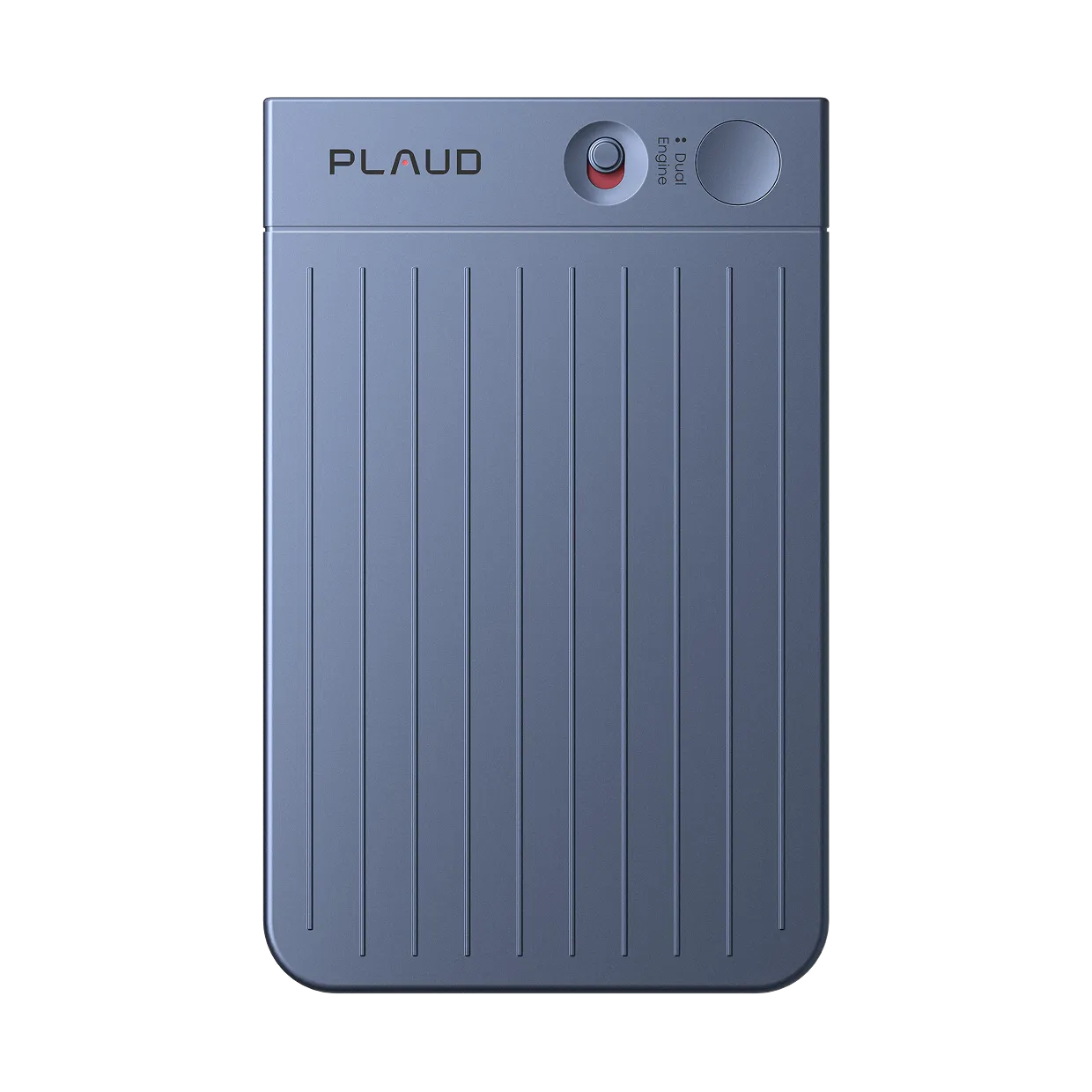
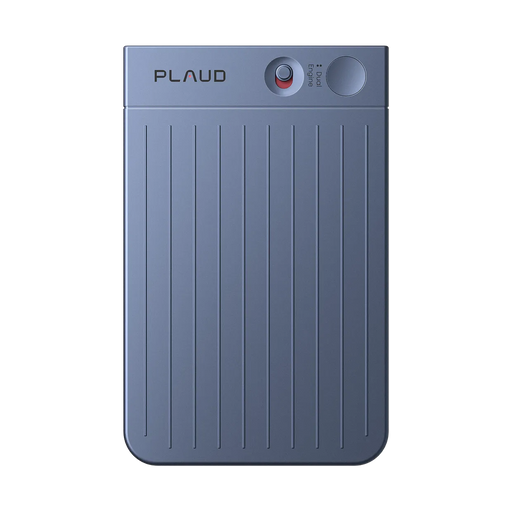
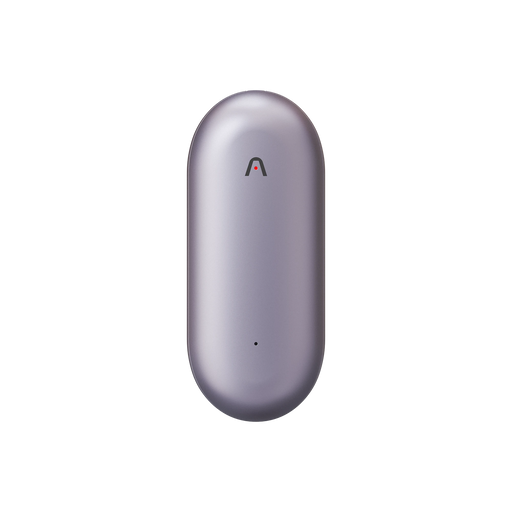
Notta Memo is a credit-card sized recorder, priced at $149, that attaches magnetically to the back of a phone and records in-person conversations or phone calls, then syncs to the same Notta account for transcription. It launched in the US in 2025 and reached the UK, France, Germany, Italy, and Spain in February 2026.

Its existence is the clearest signal of what Notta's software cannot do alone. A meeting bot needs a meeting link. A phone app recording a conference room through speakerphone picks up echo, table noise, and whoever happens to be closest to the phone. For anyone whose important conversations happen across a table rather than across a video call, the app tier leaves a gap, and Notta built hardware to close it.
If you are comparing at that level, compare the capture layer directly. Plaud Note Pro sits in the same card format at $189 and uses 4 MEMS microphones with AI beamforming for clear capture up to 16.4 feet, smart dual-mode recording that detects on its own whether it is handling a phone call or a room, an InstantView AMOLED display so you can confirm it is recording without opening an app, and up to 50 hours of continuous recording in Endurance mode. Plaud Note covers the same two modes at $159 with a 9.8 foot range. Both include Plaud Intelligence, which handles transcripts and summaries in 112 languages with speaker labels.

How each tool handles in-person and phone conversations
For online meetings the two approaches are close. For everything else they diverge sharply, and this is the deciding factor for most buyers.
Notta's bot covers scheduled video calls well. Its mobile app can record a room or a speakerphone call, which is more than platform-locked tools offer, though the audio quality depends entirely on where your phone is sitting and whether a notification interrupts the recording. Notta Memo removes that dependency for anyone willing to add hardware.
A dedicated recorder starts from the opposite direction. One button press begins capture with no app to open and no phone battery to spend, the microphone array is built for a table rather than a pocket, and the same device handles phone calls. Online meetings are then covered separately through Plaud Desktop, which records the call on your machine rather than sending a visible bot into it.
Cost structures differ too. Notta bills software monthly with translation priced separately. Plaud charges once for the device and includes the free Plaud Starter Plan with 300 transcription minutes per month, with paid plans at $8.33 per month annually for 1,200 minutes on the Plaud Pro Plan, or $19.99 per month annually on the Plaud Unlimited Plan.
Before you record: consent and compliance
Before you record, take a moment to let others know and get their okay. Most US states follow a one-party consent rule, but a smaller group requires consent from everyone in the conversation, and calls that cross state lines are usually safest handled under the stricter rule. The Justia 50-state survey is a reasonable starting reference, and federal law sits in 18 U.S.C. 2511.
On the vendor side, Notta holds SOC 2 Type II and ISO 27001 certification and states GDPR and HIPAA alignment. Plaud publishes independently audited controls with SOC 2 Type II, security management aligned to ISO/IEC 27001, privacy management aligned to ISO/IEC 27701, GDPR-aligned privacy protections, healthcare-grade safeguards aligned with HIPAA expectations, and devices built to meet EN 18031 cybersecurity requirements. Your data is never used for AI training unless you explicitly opt in.
If you record client, patient, or legal conversations, ask for the compliance documentation before you standardize on any tool.
Who should use Notta, and who should look elsewhere
Notta earns its place when meetings are online and multilingual. It loses when the conversations that matter are face to face.
Pick Notta if you run frequent video calls across languages, want bilingual transcripts of meetings where two languages are spoken at once, or value the extras like mind maps and scheduling. Budget for the translation add-on and start on Pro, since the free tier will not carry real work.
Look elsewhere if you need consistently structured meeting notes, if most of your important conversations happen in a room or on a phone call, or if you want capture that does not depend on a phone staying awake and unlocked. A card-format recorder such as Plaud Note Pro handles those cases directly, and Plaud Note is the lower-cost version of the same idea.
A quick way to place yourself:
| Your situation | Better fit |
|---|---|
| Video calls across two or more languages | Notta Pro plus the translation add-on |
| Team needs shared libraries and CRM sync | Notta Business |
| Client meetings, site visits, and phone calls | Plaud Note Pro |
| Mixed week, budget conscious | Plaud Note |
| Occasional recording, minimal volume | Notta free plan for a trial, then reassess |
You can also run both. Some teams keep a bot-based tool for scheduled video calls and a recorder for everything else. That is a legitimate setup, and cheaper than forcing one tool to cover a scenario it was not built for.
Match the tool to where you talk
Start by counting a normal week. If nearly all of your meetings arrive as calendar links, Notta on the Pro plan with the translation add-on will serve you well, especially across languages. If a meaningful share of the week happens in rooms, on phone calls, or in places where opening an app is awkward, the capture layer matters more than the feature list, and a dedicated device like Plaud Note Pro will cover ground that software alone cannot reach.