
An AI sales assistant is software that supports a sales rep or manager throughout the deal cycle, from prospecting to follow-up, by automating repetitive tasks and surfacing insights from calls, emails, and CRM data. Instead of replacing a rep's judgment, it removes the manual work around a deal: logging notes, scoring leads, drafting follow-ups, and flagging what a manager should coach on next.
The category covers a wide range of tools. Some focus on finding and ranking leads. Others sit on sales calls and turn the conversation into a structured summary. Some automate outreach sequences, and some connect everything back into a CRM so a rep never has to open two apps to finish one task. Most sales organizations end up combining two or three of these, rather than relying on a single tool for the whole cycle.
How an AI sales assistant works
Under the surface, an AI sales assistant combines a few core techniques.
Natural language processing (NLP) reads or listens to unstructured input (a call transcript, an email thread, a chat log) and pulls out structured information: who said what, what objections came up, what was agreed to next.
Machine learning models score leads and deals by pattern-matching against your historical data. A model trained on thousands of past conversations can flag which signals in a live call correlate with a closed deal versus a stalled one.
Automation and workflow rules move the output of the above into the tools a rep already uses. A summary becomes a CRM field update. An objection becomes a tag on the deal record. A commitment becomes a task on someone's calendar.
The quality of an AI sales assistant depends less on which model runs underneath and more on how well it captures the input in the first place. A tool that only sees the half of your conversations that happen on Zoom is working from an incomplete picture, no matter how good its analysis is.
The main types of AI sales assistants
Prospecting and lead scoring
These tools pull from external data (firmographics, intent signals, technographics) to identify accounts worth pursuing and rank leads by likelihood to convert. They save reps the manual research that used to happen before a first outreach email went out.
Outreach and sequencing
These assistants draft and personalize emails or messages, then manage the follow-up cadence automatically. Some generate subject lines and openers based on what has worked in past campaigns, and adjust send timing based on when a specific prospect tends to open email.
Conversation intelligence and call coaching
These tools capture sales conversations and turn them into structured data: objections raised, competitors mentioned, next steps agreed on, and how the call compares to a rep's past calls or a team benchmark. Most of this category runs on Zoom, Teams, or another virtual meeting platform, which means it has a blind spot for anything that happens on a phone call or in person.
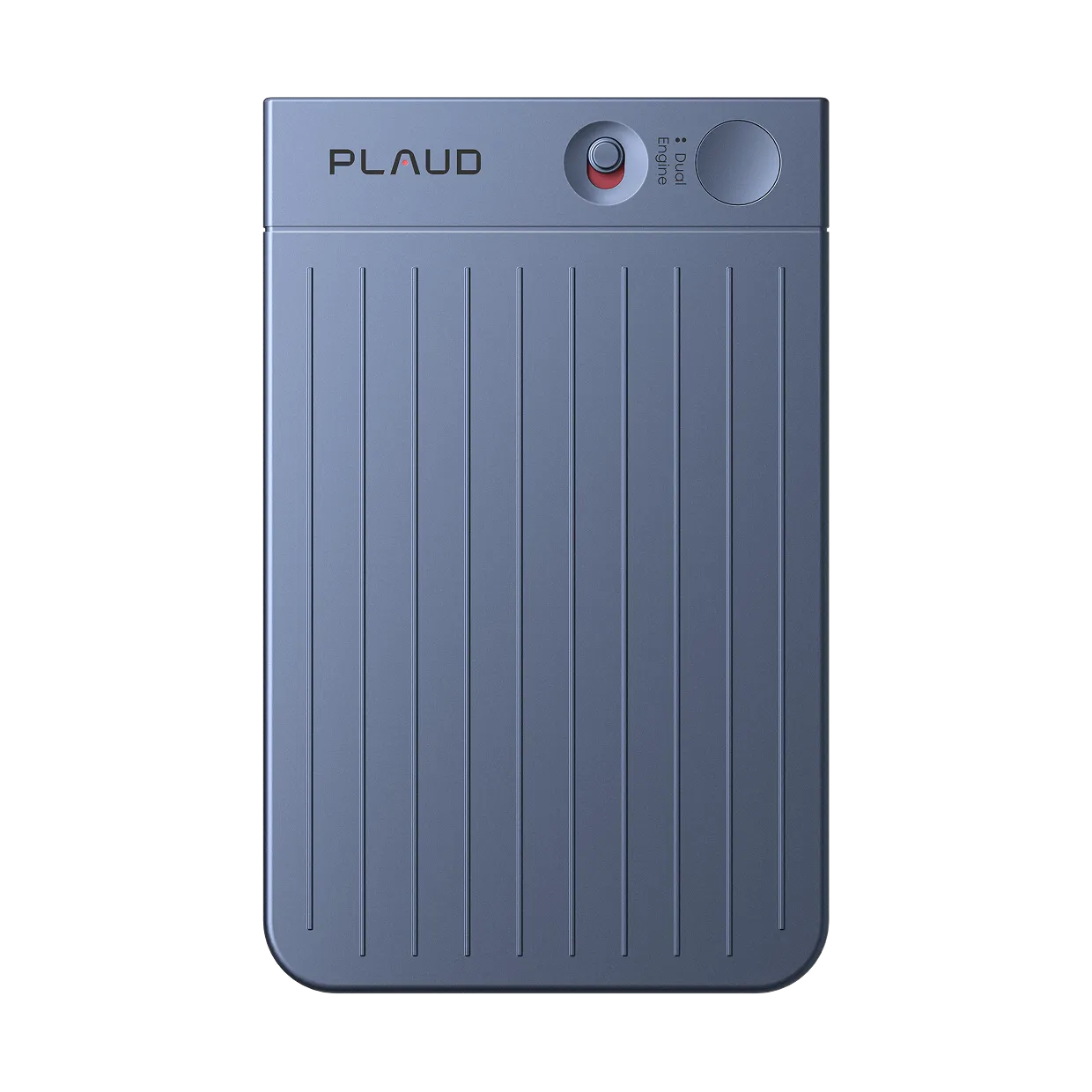
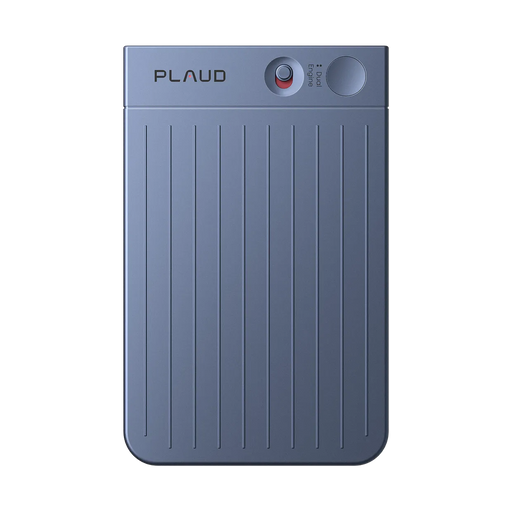
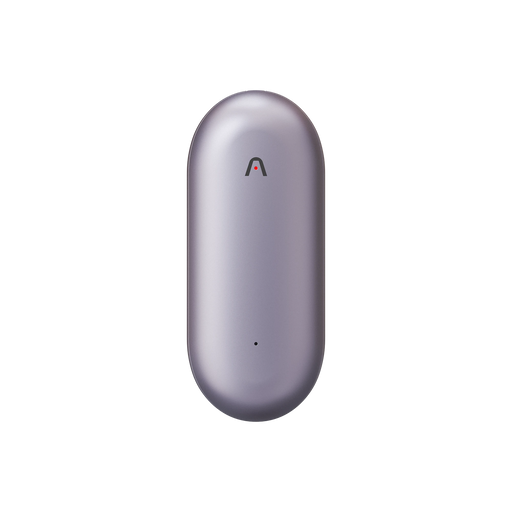
This is also where hardware plays a role that pure software cannot. A physical AI note taker like Plaud Note Pro auto-detects and switches between a phone call and an in-person conversation, then hands the recording to Plaud Intelligence for transcription, speaker labeling, and a structured summary built from sales templates like BANT. On its own, that covers the conversations a Zoom bot never sees. What extends its value is Plaud MCP, which connects your recording history to whatever AI assistant or workflow tool your team already runs. A rep can ask Claude or ChatGPT to summarize yesterday's calls, draft a follow-up email from a specific conversation, or push action items into HubSpot or Asana, without opening a separate dashboard. The device captures what a software-only tool misses, and the connection to your existing AI tools and CRM is what keeps that data useful instead of stuck in one more app. Our own comparison of AI note takers for sales calls breaks down how this compares to Zoom-native tools like Gong or Fireflies.
CRM automation and deal intelligence
These assistants live inside or alongside the CRM. They auto-populate fields after a call, predict a deal's win probability, and recommend a next best action based on how similar deals have progressed. The goal is to remove the manual data entry that eats into a rep's selling time.
What these tools save sales teams
The most consistent benefit across every type of AI sales assistant is time. Reps spend a large share of the week on admin work: logging calls, updating fields, writing follow-up emails from scratch. Automating that work gives reps more hours for the conversations that move a deal forward.
The second benefit is consistency. A human note-taker forgets details, especially after back-to-back calls. An AI sales assistant captures the same level of detail on the tenth call of the day as it does on the first, which means a manager reviewing pipeline health is working from complete records instead of whatever a rep remembered to type up.
The third benefit shows up in coaching. When conversation data is structured and searchable, a manager can spot patterns across a whole team (which objections come up most, which reps handle them best) instead of relying on spot-checking a handful of calls.
How to choose an AI sales assistant
There is no single best tool, because the category covers different jobs. A practical selection checklist:
- Match the tool to where your conversations happen. If a meaningful share of your sales activity happens over the phone or in person, a software tool that only records Zoom and Teams calls will miss it. Check whether the tool covers phone calls, in-person meetings, or both, not only online meetings.
- Check how deep the CRM integration goes. Some tools push a summary into a CRM field. Others analyze patterns across the whole deal stage and flag risk. Know which one you are buying before you commit to a contract.
- Look for openness, not lock-in. A tool that keeps your call data inside its own closed dashboard is only as useful as that one interface. A tool that can connect to the AI assistants and apps you already use, through something like MCP (Model Context Protocol), lets that same data flow into your CRM, your task manager, or a chat-based assistant without a custom integration for each one.
- Confirm data privacy and security posture. Sales conversations often include pricing, contract terms, and customer information. Ask for independent certifications (SOC 2, ISO 27001, GDPR alignment) rather than taking a vendor's word for it.
- Price against team size, not just per-seat cost. Enterprise conversation intelligence platforms often carry minimum seat counts that make sense for a large team and little sense for two reps. Match the pricing model to your actual headcount.
- Pilot with a small group before a company-wide rollout. Run it for two to four weeks with a handful of reps, then check a simple metric: are CRM records more complete than before, and are reps using it without being told to?
Rolling one out without disrupting your team
Adoption fails more often from process gaps than from a bad tool choice. A few things that make rollout smoother:
- Tell reps what the tool changes about their day before launch, not after. If it removes a task (manual CRM updates), say so explicitly.
- Start with one team or one use case (call summaries, for example) instead of turning on every feature at once.
- Set a follow-up check-in at two weeks to fix workflow issues while they are still fresh, not at the end of a quarter.
- Keep a human in the loop for anything that reaches a customer directly, like an outbound email draft. Treat the AI output as a draft a rep reviews, not a final send.
Start with the conversations you are already missing
Before adding a new tool to your stack, look at where your sales conversations happen today. Count how many calls this week ran on Zoom versus your phone versus in person. That breakdown points to the type of AI sales assistant worth testing first, whether that is a conversation intelligence platform for virtual meetings or a device like Plaud Note Pro for the calls and meetings that happen everywhere else. See how it fits your team on the Plaud solution for sales page.