
Introducción
Si alguna vez has intentado grabar una llamada en tu iPhone, ya conoces la frustración: en el momento en que pulsas grabar, una voz anuncia a todos los participantes en la llamada que están siendo grabados. No hay forma de desactivarlo.
Así que te pusiste a buscar. Y probablemente encontraste una avalancha de YouTube Shorts e Instagram Reels que afirmaban tener la solución secreta.
La mayoría de ellos no funcionan.
Esta guía te da la respuesta directa: qué es realmente posible, por qué fallan los "hacks" populares y qué funciona de verdad en 2026.
¿Se puede desactivar el anuncio de grabación de llamadas del iPhone? (iOS 26)
La respuesta corta: no.
Apple introdujo la grabación de llamadas integrada en iOS 18, y con ella llegó un anuncio obligatorio: una voz que se reproduce automáticamente al inicio de cada grabación, notificando a todos los participantes en la llamada. En iOS 26, nada ha cambiado en este frente.
No hay un interruptor en Ajustes para desactivarlo. Ningún rodeo de accesibilidad. Ninguna configuración oculta que lo desactive.

Apple incorporó el anuncio deliberadamente, por dos razones:
Privacidad. El principio de diseño de Apple es que nadie debe ser grabado sin saberlo. El anuncio es el mecanismo de aplicación, integrado en el sistema, no una función opcional.
Cumplimiento legal. Las leyes de grabación varían según el país y el estado de EE. UU. Apple hizo el anuncio universal y no negociable en todas las jurisdicciones, trasladando la responsabilidad legal al usuario.
Así que, si esperas que iOS 26 haya añadido discretamente una opción para omitir el anuncio, no lo hizo. Y esa es exactamente la razón por la que tanta gente recurre a los "hacks" que encontrarás en todas las redes sociales.
¿Es realmente posible grabar sin anuncio? Mitos vs. Realidad
Si has pasado algún tiempo en YouTube Shorts o Instagram Reels, probablemente hayas visto videos con títulos como "¡Graba llamadas sin anuncio en iPhone — FÁCILMENTE!". Algunos tienen millones de visitas. La mayoría están equivocados.
Esto es lo que realmente ocurre con cada enfoque:
Aplicaciones de terceros: Parciales, pero no lo que crees
Estas aplicaciones no evitan el anuncio. Lo eluden utilizando un truco de llamada a tres bandas: la aplicación marca un servidor de grabación, tú fusionas las llamadas y el servidor captura el audio desde su extremo. Técnicamente, no hay anuncio de iOS. Pero las desventajas son reales:
La calidad del audio es notablemente peor. La voz de la otra persona a menudo se escucha amortiguada.
La mayoría requieren una suscripción de pago (8-15 $ al mes).
Si la conexión del servidor se cae, la grabación se corta a mitad de la llamada.
Herramientas "sin jailbreak": No creas el titular
Algunas herramientas afirman silenciar el pitido de grabación sin hacer jailbreak. O bien requieren la instalación de perfiles que comprometen la seguridad de tu dispositivo, no funcionan como se anuncia, o requieren un jailbreak de todos modos.
Jailbreaking: No vale la pena
Sí, un iPhone con jailbreak puede deshabilitar el anuncio. Pero el jailbreaking anula la garantía, expone tu dispositivo a vulnerabilidades de seguridad y se rompe con cada actualización importante de iOS. Para la mayoría de la gente, no es una opción realista.
En resumen: No importa lo ingeniosa que sea la solución, las soluciones basadas en software siguen operando dentro de iOS. iOS controla lo que pueden y no pueden hacer. La única forma de eludir verdaderamente el anuncio es salirse por completo del sistema iOS.
Lo que realmente funciona: Las mejores alternativas para la grabación de llamadas del iPhone
La razón por la que el hardware funciona donde el software no puede se reduce a una cosa: nunca toca iOS.
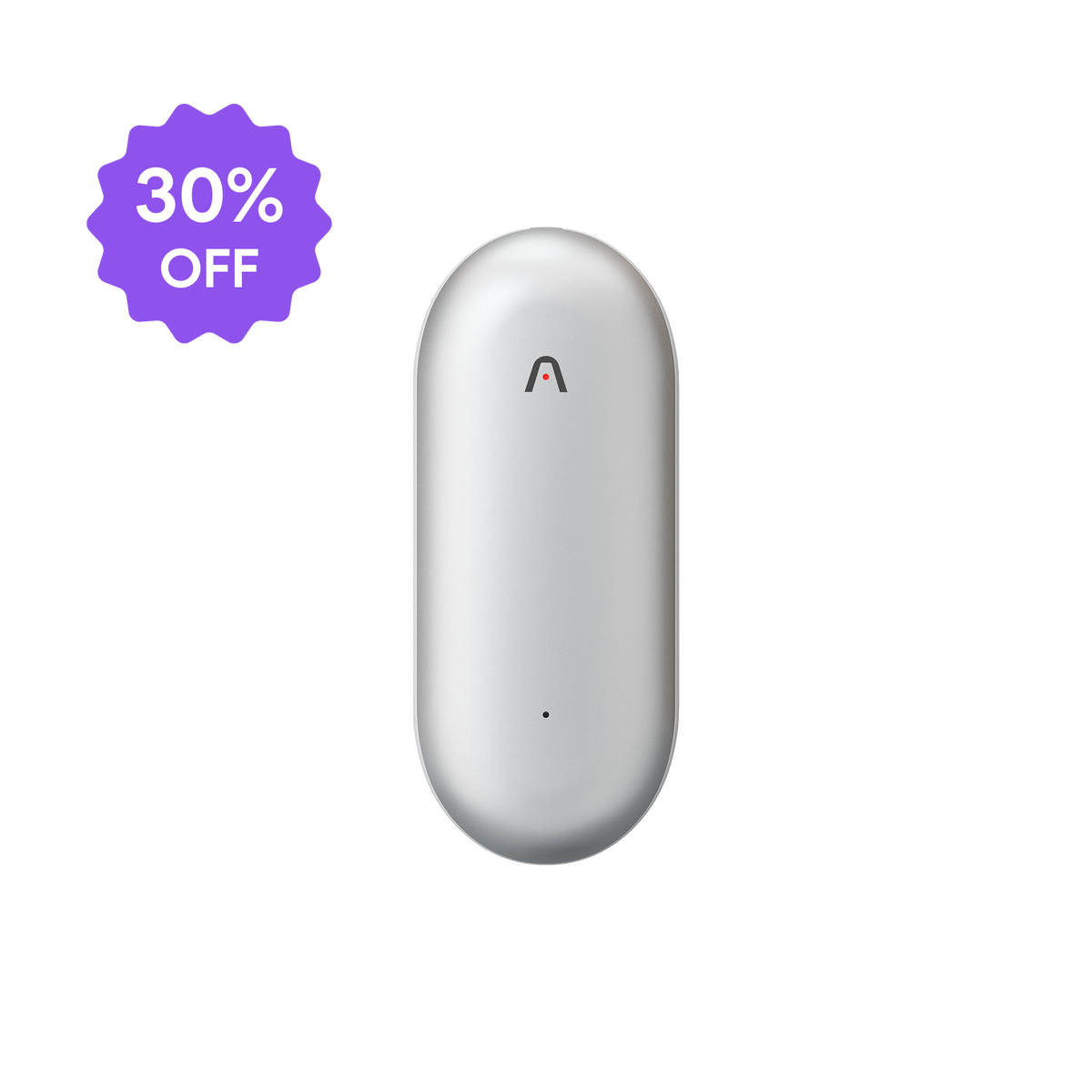
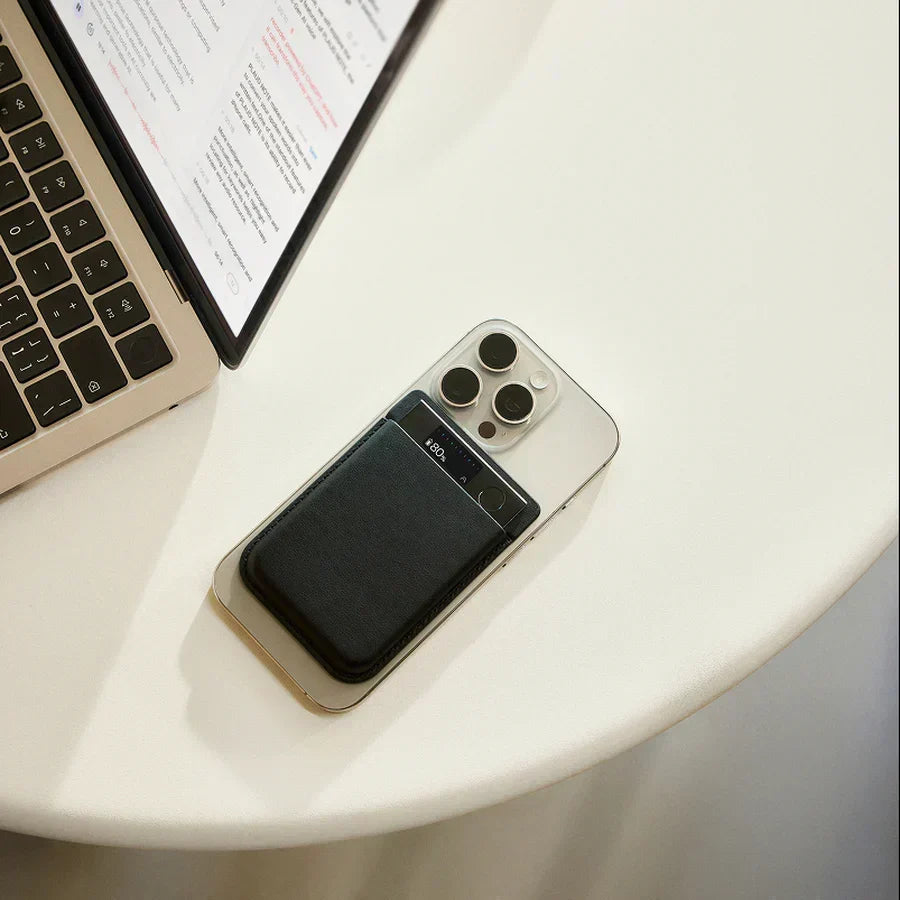
Un dispositivo de grabación de hardware como Plaud se adhiere magnéticamente a tu iPhone y utiliza un sensor de conducción de vibraciones incorporado para capturar el audio de la llamada directamente de las vibraciones físicas del teléfono. Completamente fuera de iOS, sin micrófono, sin conexión por cable y sin dependencia de ninguna aplicación.
Así es como se comparan las principales opciones:
| Grabación nativa de iPhone | Aplicaciones de terceros | Dispositivo de hardware | |
|---|---|---|---|
| Anuncio requerido | Siempre | Evitado, pero con límites | No aplicable |
| Calidad de audio | Buena | Mala | Excelente |
| Funciona con todos los tipos de llamadas | Solo llamadas telefónicas | Solo llamadas telefónicas | Cualquier llamada, cualquier aplicación |
| Suscripción necesaria | No | 8-15 $ al mes | No (para grabar) |
El hardware gana en todos los frentes importantes. Y si eres un comercial, consultor o cualquier persona cuyo trabajo depende del teléfono, saltarse el anuncio es solo el primer obstáculo. Plaud Note Pro lo supera y sigue adelante.
Cada llamada se convierte automáticamente en una transcripción completa con etiquetas de orador, un resumen específico del rol y un conjunto de elementos de acción listos para usar. En 112 idiomas. Sin tocar el teléfono.

Para los equipos de ventas, eso significa tareas de seguimiento generadas antes de colgar. Para los consultores, notas de reuniones estructuradas sin necesidad de levantar un bolígrafo. Con más de 10.000 plantillas e integraciones de flujo de trabajo, tus grabaciones no solo se almacenan. Se convierten en trabajo.
Conclusión
Las opciones para grabar llamadas del iPhone sin un anuncio son limitadas. El sistema de Apple no cederá, y la mayoría de las soluciones de software se quedan cortas de una u otra manera.
El único enfoque que realmente funciona es salirse completamente de iOS. Una grabadora de hardware captura lo que el software nunca podrá: audio limpio y completo sin restricciones del sistema, sin anuncios y sin compromisos.
Si eso es lo que necesitas, Plaud Note Pro merece un vistazo.
Una última cosa: dondequiera que estés, consulta las leyes locales antes de grabar cualquier llamada. En caso de duda, informar a la otra persona es siempre la medida más segura.