


01
Speaker-labeled transcript
Every word captured and attributed to the right person. Searchable, timestamped, and exportable for reference or compliance.
Records your meeting. Generates formatted minutes with decisions and action items.
Plaud Note Pro is a physical AI meeting minutes generator that records the full session and delivers structured minutes automatically. Output is organized by speaker, decision, and action item. No manual writing. Ready before the room empties.
Trusted by 2M+ users globally since 2023

What a physical AI meeting minutes generator does differently
Plaud Note Pro is a physical AI meeting minutes generator that records the full session and produces structured minutes automatically. Software tools like Otter.ai generate a raw transcript and a basic summary. Getting from that to board-ready formatted minutes still requires manual work. Plaud Note Pro uses 10,000+ summary templates to deliver output organized by speaker, decision, and action item. Ready in under 60 seconds after the meeting ends.
3 artifacts, ready when the meeting ends
Every word captured and attributed to the right person. Searchable, timestamped, and exportable for reference or compliance.
Decisions, action items, owners, and deadlines extracted automatically. Formatted to the template your organization uses.
Push finished minutes to Notion, Confluence, Slack, or email in one tap. No reformatting needed.
Works for every meeting format
Plaud sits on the table or connects to your phone. No bot joins the meeting and no platform account is required.
Workflow fit
The EA or board clerk problem: 3-hour meetings with multiple speakers, decisions, and follow-ups. Writing coherent minutes takes as long as the meeting itself. Plaud Note Pro records the full meeting and generates formatted minutes automatically. Output is organized by speaker, decision, and action item. Ready for distribution before the room empties. Inform all participants and confirm consent before recording.
Built for your role
Pick the role closest to yours.
Pain
Currently transcribe and write manually after every meeting. Three-hour board sessions with multiple speakers, decisions, and follow-up items take as long to document as they do to attend.
How Plaud helps
Plaud Note Pro records the full session and generates formatted minutes automatically. Output includes attendee labels, decisions, and action items organized by owner.
Best output
Meeting minutesPain
Get a raw transcript and a basic summary from the session. Writing actual minutes from that transcript still requires manual formatting time before the document can be shared.
How Plaud helps
Plaud Note Pro delivers a structured minutes document directly. The 10,000+ summary templates match the output to the format required for distribution.
Best output
Structured summaryPain
Need meeting minutes in a consistent format that slots into their documentation system. Output quality varies depending on who took notes and whether they caught everything.
How Plaud helps
Plaud Note Pro exports to Notion, Confluence, Slack, or email in one tap. Format is consistent across every meeting regardless of who attended.
Best output
Distribution exportHow it works as your AI meeting minutes generator
Compliance & trust
Always inform all participants before recording begins. Built-in consent prompt and disclosure beep covers the notification step automatically in one-party and two-party consent regions. Toggle once in the Plaud App.
Recordings stay on-device until you choose to process them. No background uploads and no audio sent to third-party servers during the meeting.
AES-256 encryption in transit and at rest. Your meeting audio is never used to train AI models.
Full verbatim transcript available for any downstream compliance or audit workflow. Structured minutes organized by speaker, decision type, and action owner.
Why teams switch
Based on buyer reviews and community posts about AI meeting minutes generators, these are the three setups professionals came from and the specific reasons they switched.
Switched from
Most-discussed AI transcription tool in meeting notes communities
"I have used Otter.ai in the past with great success and was contemplating upgrading to the pro version."
Why they left
What Plaud does instead
Switched from
Most common starting point for EA and board clerk workflows
"I find it challenging to keep up with 3-hour meetings and then write coherent minutes that please everyone."
Why they left
What Plaud does instead
Switched from
Common workaround before dedicated AI meeting tools
"Writing up the minutes still takes time after the meeting."
Why they left
What Plaud does instead
Get Plaud Note Pro built for automatic meeting minutes generation.
Customer stories

“I paid $300 a year, and I make probably an extra couple thousand dollars a month in things I would have forgotten.”
Read story →
“It allows us to focus, speed up follow-up, close deals faster, and keep everybody aligned.”
Read story →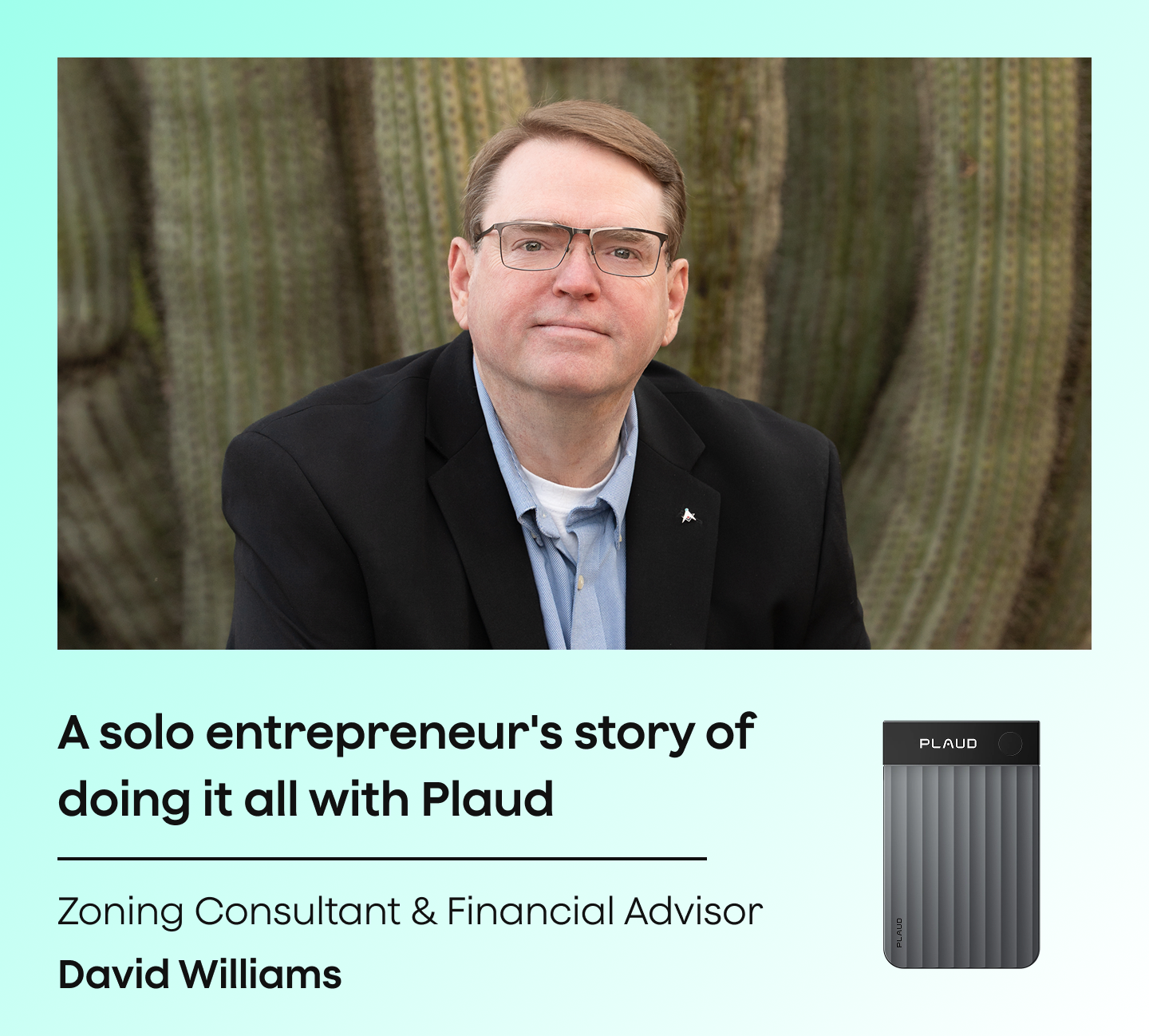
“This is my administrative assistant. This is what takes my notes, gives me my to-do list, tasks, and management.”
Read story →Real Plaud customers. Full stories at plaud.ai/blogs/user-story.
Recommended devices
Pick the form factor that fits how you run meetings.
If you...
Need auto-generated minutes from board meetings, team meetings, or client sessions
If you...
Need hands-free capture at in-person workshops and working sessions
If you...
Need a compact recorder for phone briefings and quick calls

physical AI meeting minutes generator
Best for auto-generated minutes from any meeting

wearable physical AI note taker
Best for hands-free capture at workshops and working sessions

AI voice recorder
Best for phone briefings and lightweight call recording
30-day money-back
1-year warranty
Lifetime support
Meeting minutes are also called meeting notes, board minutes, meeting records, or a meeting summary. The term varies by organization and formality level. In governance contexts the formal term is minutes. In project and team settings, meeting notes or action log is more common. Plaud Note Pro generates output in any of these formats using 10,000+ summary templates.
The most accurate approach is to capture the full audio and let AI generate the minutes from the complete recording. Manual note-taking splits attention and misses content. Recording on a phone and typing from playback doubles the time spent. Plaud Note Pro records the full session and generates speaker-labeled minutes with decisions and action items automatically. Inform all participants and confirm consent before recording.
The right tool depends on your meeting format. For video calls only, software tools like Otter.ai or Fireflies.ai work well. For in-person board meetings, multi-speaker sessions, or any meeting where a bot is not appropriate, Plaud Note Pro covers all formats from one physical device. Output is formatted to your required minutes structure using Plaud Intelligence.
Recording laws vary by region. In many US states, all-party consent is required. Always inform all participants before recording begins and get their consent. Plaud's built-in disclosure beep plays at the start of each recording to cover the notification step automatically. Check your local laws and your organization's recording policy before capturing any session.
Yes. Plaud Note Pro sits on the table and captures every participant with 4 MEMS microphones at up to 5 meters. No bot, no platform login, no attendee list entry. It works for in-person board meetings, team standups, and any session where a software tool would not be appropriate.
Plaud Note Pro delivers the transcript and formatted minutes within seconds of tapping stop. For a 3-hour board meeting the output is ready before the room empties. No playback, no manual writing required.
Yes. The Plaud App exports structured minutes and transcripts to Notion, Confluence, Slack, Google Docs, and email in one tap. Format is consistent across every session.
Plaud Intelligence includes 10,000+ summary templates covering board minutes, project reviews, client meetings, standups, and more. Select the template that matches your meeting type before processing. Output is formatted to the structure your organization requires.

Discover the best AI meeting recorder for in-person meetings in 2026. Capture every word without a bot and generate structured notes automatically.
Read more →
Compare the 5 best AI note takers for consulting meetings in 2026 and find the right tool for structured client session documentation.
Read more →
Learn how to use AI tools to transcribe audio to text quickly and accurately. Turn meeting recordings into searchable, shareable documents.
Read more →
Find the 6 best AI meeting note takers for team leads in 2026. Keep decisions, action items, and follow-ups organized across every session.
Read more →Before you record: let everyone in the conversation know and get their consent. Recording laws vary by region. Many US states require all-party consent for phone calls and meetings specifically. Check your local laws and company policy. Plaud's built-in disclosure beep plays at the start of each recording to help cover the notification step automatically.

Fast Shipping
Ship out within 1-2 business days

Free 30-Day Return
No reason needed. Free return shipping & full refund.

One-Year Warranty
Warranty period subject to local laws

Lifetime Customer Support
Quick support within 24 hours on working days
Before you record, take a moment to let others know and get their okay. Thanks for being mindful of privacy and local laws.
Trending Search




Trending Search
Suggested Searches
Popular Products
Matching Results



