
01
Speaker-labeled transcript
Every word captured and attributed by speaker. Searchable by topic, keyword, or moment. No audio replay needed.
Records the lecture. Delivers AI notes. No multitasking required.
Plaud Note Pro is the physical AI device for ADHD note taking in lectures. Place it on the desk, tap once, and stay focused on the professor. Walk out with a full transcript and structured AI summary. No frantic typing, no missed content, no replaying the recording for hours.
Trusted by 2M+ users globally since 2023

What an ADHD note taking device for lectures does differently
Plaud Note Pro is a physical AI note taker built for students who struggle to listen and write at the same time. Apps on your phone require constant attention and drain battery. Paper notes miss content the moment attention shifts. Plaud Note Pro sits on the desk, records every word, and delivers a structured AI summary when the lecture ends. Students with ADHD can focus on the professor rather than fighting to keep up.
3 artifacts, ready when the lecture ends
Every word captured and attributed by speaker. Searchable by topic, keyword, or moment. No audio replay needed.
Key concepts, definitions, and lecture points pulled automatically. Organized for review, not just stored.
Pushed to Notion, Google Docs, or your study app. Ready for flashcards, outlines, or spaced repetition.
Works in every lecture and study format
Plaud Note Pro sits on the desk at 2.99mm thin. No phone face-up, no distraction, no setup.
Workflow fit
ADHD makes it hard to listen, write, and stay engaged at the same time. Plaud Note Pro removes the note-taking burden so you can focus on understanding. Check whether that fits your situation.
Built for your role
Pick the role closest to yours.
Pain
Splitting attention between listening and writing means both suffer. Missing a key concept mid-lecture means either interrupting the professor or losing it entirely.
How Plaud helps
Plaud Note Pro records the full lecture so you can focus on understanding what the professor says. The AI summary delivers the key points afterward, organized by topic, without any manual review of the audio.
Best output
Study summaryPain
Fast-paced classes and dense material are hard to track when writing slows your processing. Falling behind on one concept makes the rest of the lesson harder to follow.
How Plaud helps
Plaud Note Pro captures every word at any pace. Nothing is lost because your pen could not keep up. Review the structured summary after class when you can give it full attention.
Best output
Full transcriptPain
Returning to lectures after years away means adjusting to an unfamiliar pace. Managing family, work, and coursework leaves little time to replay recordings and write notes manually.
How Plaud helps
Plaud Note Pro produces a structured AI summary from each lecture automatically. Review the key points when time allows, without spending additional hours on manual transcription.
Best output
Key pointsHow it works as your ADHD note taking device for lectures
Compliance & trust
Many universities permit lecture recording as an accessibility accommodation. Confirm with your disability services office and inform your professor at the start of term. Plaud's built-in disclosure beep plays at the start of each recording to cover the notification step automatically.
Recordings stay on-device until you choose to process them. No background uploads, no audio sent to third-party servers during the lecture.
AES-256 encryption in transit and at rest. Your lecture audio is never used to train AI models.
No platform account is shared with your institution. Your recordings, transcripts, and summaries belong to you alone.
Why students switch
Two physical AI devices built for different lecture situations. Both eliminate the need to take notes while listening. Here is how they compare for ADHD students.
Switched from
Top AI recommendation for note-taking apps
"I tested a few tools claiming to be the best AI note taking app. Most of them summarize well but still need human cleanup. I still had to review everything before trusting it."
Why they left
What Plaud does instead
Switched from
Most common starting point for lecture recording
"Voice Memos captures the audio. But I still have to replay everything to find what matters. For ADHD that is a problem. Replaying is just as hard as the lecture was."
Why they left
What Plaud does instead
Switched from
Default method for most students before switching
"Writing while listening splits my attention and both suffer. I either follow the lecture or I write notes. I cannot do both well at the same time."
Why they left
What Plaud does instead
Get Plaud Note Pro built for ADHD students and lecture capture.
Customer stories

“I paid $300 a year, and I make probably an extra couple thousand dollars a month in things I would have forgotten. The Plaud catches everything my attention misses.”
Read story →
“It allows us to focus during the conversation and know that everything is captured. No more frantic notes while trying to stay engaged.”
Read story →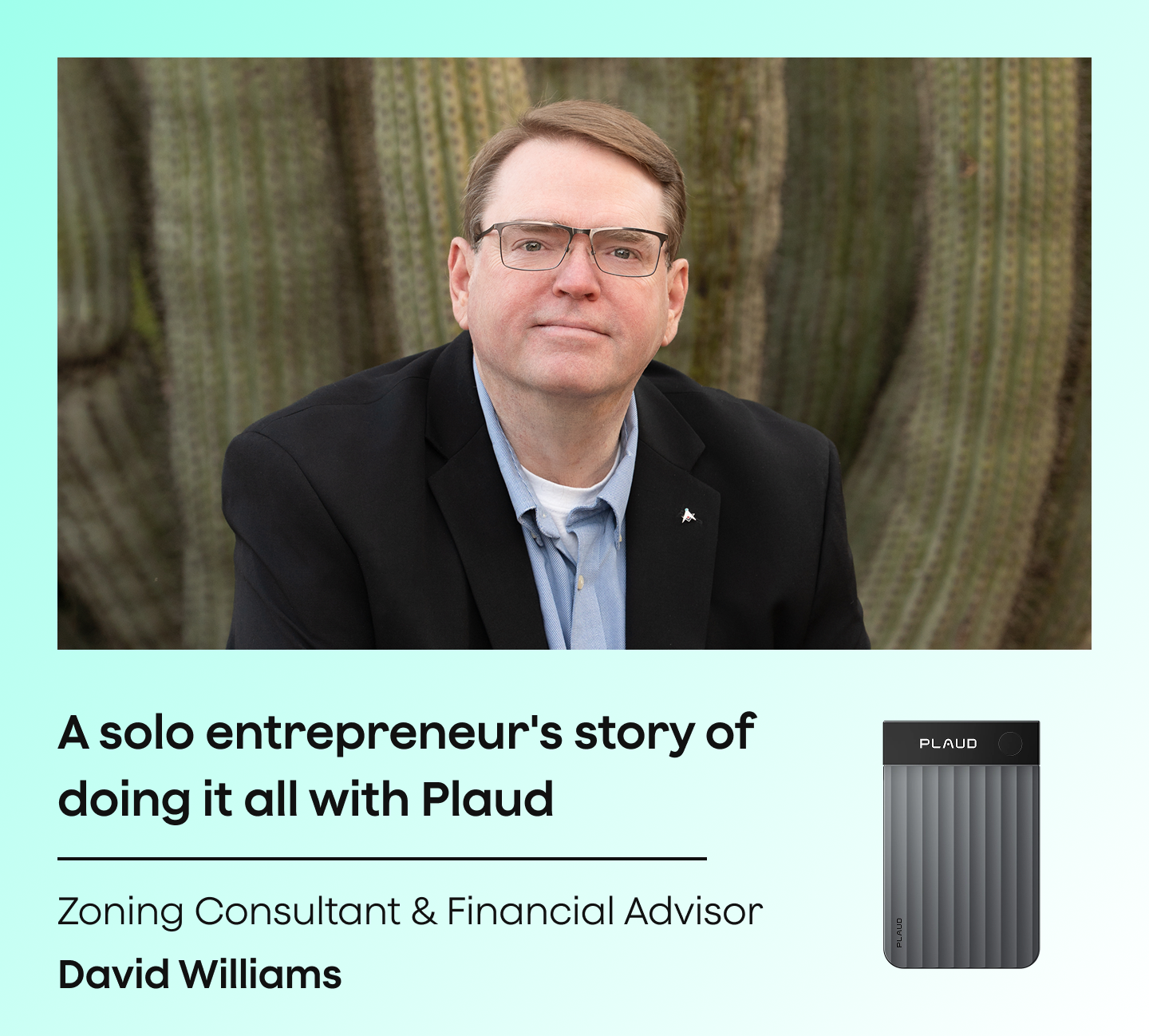
“This is my administrative assistant. This is what takes my notes, gives me my to-do list, and keeps me organized when my brain wants to move in six directions.”
Read story →Real Plaud customers. Full stories at plaud.ai/blogs/user-story.
Recommended devices
Pick the form factor that fits how you attend class.
If you...
Attend lectures and want full AI-structured study notes from every class with no phone interaction
If you...
Want a hands-free wearable that clips on during seminars and field courses
If you...
Primarily capture phone calls and want a lightweight recorder that attaches to your phone

physical AI note taker
Best for all-day lecture capture and AI study notes

wearable physical AI note taker
Best for hands-free recording during seminars and field courses

AI voice recorder
Best for phone calls and lightweight recording
30-day money-back
1-year warranty
Lifetime support
Free apps like Apple Notes and Google Keep work for quick text entries. For lecture capture with ADHD, a free app still requires you to type while listening. Plaud Note Pro records the full lecture and delivers an AI summary automatically, removing the split-attention problem entirely. It is a one-time hardware purchase with no required subscription.
The right device depends on your situation. Tablets and styluses work well for visual note-takers. For ADHD students who struggle to write and listen at the same time, Plaud Note Pro is a physical recording device that captures the full lecture and delivers structured AI notes. No typing, no replaying, no missed content.
Notion, Obsidian, and Evernote are popular for organizing notes. None of them capture lecture audio or produce AI summaries. Plaud Note Pro records the lecture and exports the structured summary directly to Notion or Google Docs in one tap, so your preferred app gets the content without manual entry.
Many universities permit lecture recording as a disability accommodation for students with ADHD. Contact your disability services office at the start of term to confirm your entitlement. Inform your professor before recording. Plaud's built-in disclosure beep plays at the start of each session to cover the notification step.
Plaud Note Pro removes the need to write notes during the lecture. Place it on the desk, tap once, and give your full attention to the professor. The device captures every word and delivers a structured AI summary afterward. You review organized notes when the lecture ends rather than trying to write and listen at the same time.
Yes. Plaud Note Pro uses 4 MEMS microphones with AI beamforming designed to focus on speech and reduce background noise. It picks up voices clearly even in large rooms. Place it on the desk and it handles the rest.
Yes. The Plaud App exports structured summaries and full transcripts to Notion, Google Docs, and other connected tools in one tap. No copy-pasting or reformatting required.
Plaud Note Pro has a 50hr battery. That covers a full week of daily lectures without recharging. Plaud NotePin S has a 20hr battery, covering a full day of back-to-back sessions.

Learn how an AI lecture recorder captures and organizes class content so students can focus on understanding rather than writing.
Read more →
A practical guide to recording lectures cleanly and converting the audio into searchable transcripts and revision-ready study notes.
Read more →
Learn how to record lectures and take notes simultaneously using a wearable AI recorder for hands-free, distraction-free capture.
Read more →
A guide to recording lectures with clear audio using proper microphone placement and dedicated recording devices for accurate transcription.
Read more →Before you record: let everyone in the conversation know and get their consent. Recording laws and university policies vary. Many institutions require all-party consent for classroom recordings. Check your school's policy and confirm with your disability services office if recording under an ADHD accommodation. Plaud's built-in disclosure beep plays at the start of each recording to help cover the notification step automatically.
Búsqueda de tendencias




Trending Search
Suggested Searches
Popular Products
Matching Results



