


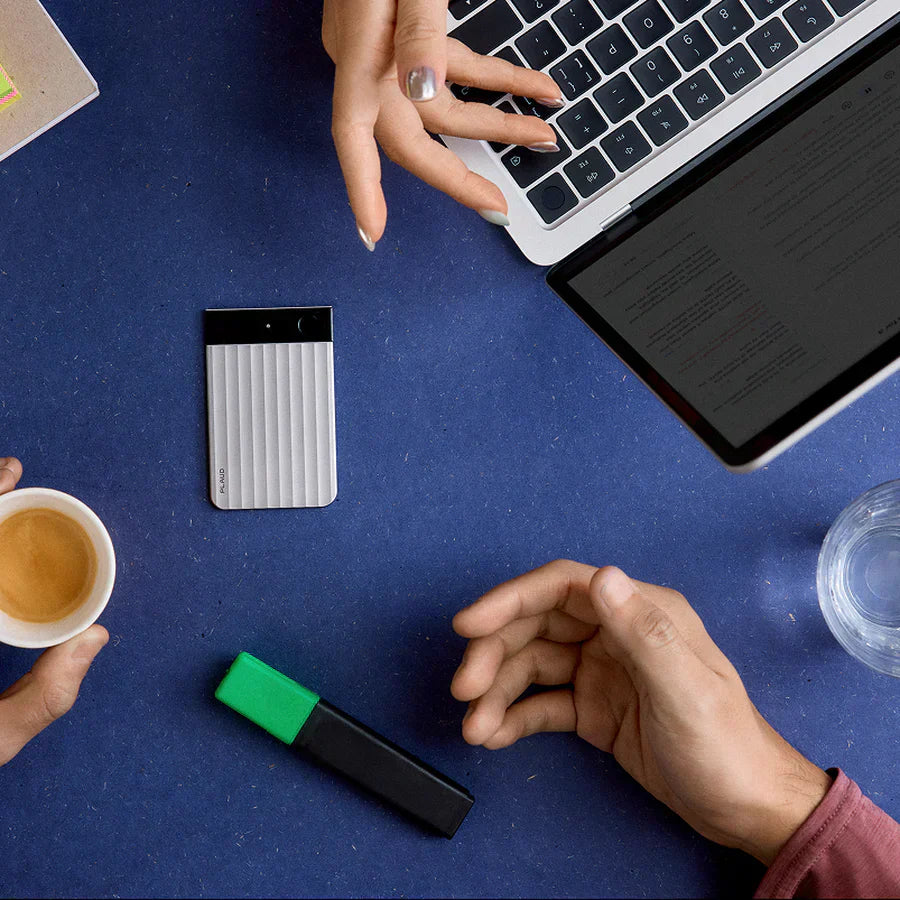

Otter and Fireflies solve online meetings. When the meeting moves to a client's office, a boardroom, or a phone call with someone who doesn't use video, they stop. There's no call to join.
The most important conversations often happen in a room. That's exactly where software goes silent.
Why software stops at the screen
A software bot needs a meeting link to join. In-person meetings don't have one. The same is true for phone calls. When a client calls your mobile, no bot can join and transcribe both sides.
Client visits, off-site workshops, and field conversations have no software solution. The workaround most professionals use is to prop a phone on speaker. The audio rarely comes back clean enough to work with afterward.
These scenarios require a physical device. See AI meeting recorder for physical meetings for a full breakdown of what's available.
Why most recording devices still disappoint
Most meeting recorder devices give you an audio file. After a 90-minute session, you still need to listen back, find the decisions, extract the commitments, and write the follow-up. That takes as long as the meeting itself.
An AI note taker device is different. After the session, it processes the recording into a transcript, a summary, and action items. You open the app and the work is done.
How Plaud Note Pro works
Plaud Note Pro is a physical AI note taker that captures everyone in the room from across the conference table. Press record, place it on the table, and leave it.
In a boardroom or client meeting, it captures everyone in the room without repositioning.
On a phone call, attach it to the back of your phone. It records both sides automatically, without speakerphone.

That's it for the recording side.
After a two-hour strategy session with six clients talking over each other, the transcript came back with every speaker labeled and every commitment captured. The only setup was pressing record and placing it on the table.

For a day of back-to-back client sessions, it doesn't need to be recharged between them.
Plaud Note Pro comes with access to Plaud Desktop, which captures online meetings without a bot joining the call. If your week includes both a boardroom session and a Zoom debrief, the same account covers both. But the device is what fills the gap that software alone can't.
If the client speaks French or the session is multilingual, the transcript comes back in the right language. If client conversations have to stay confidential, Plaud Note Pro is cleared for SOC 2, GDPR, and HIPAA.
For a full comparison of options for in-person use, see best AI note takers for in-person meetings.
What you get after the meeting
Open the app and the transcript is ready.
Plaud Intelligence turns the recording into a full transcript, a clean summary, and a list of action items. You can customize the output with 10,000+ summary templates: client debrief, sprint review, legal summary, or any format that fits your workflow. Browse and share formats built by other users in the Plaud template community.

Send the summary to the client before you leave the building. Forward the action items to your team. A lot of professionals skip the follow-up write-up entirely.
Plaud NotePin S: for hands-free recording
Plaud NotePin S is a wearable AI note taking device that records hands-free, without anything on the table. Clip it on and press record.
Clip it to your jacket, hang it on a lanyard, or wear it on your wrist. It weighs less than a pen and runs all day without charging. For field engineers, sales reps on client visits, and coaches who can't set a device on a table, it records the conversation from wherever they are.
The output is the same as Plaud Note Pro: transcript, summary, and action items through Plaud Intelligence and the Plaud App.
For device placement tips before your first session, see how to use an AI note taker for in-person meetings.
Which device is right for you
Choose based on where your meetings happen.
If your meetings happen in a room or on a phone: Plaud Note Pro. If you're in the field or can't put a device on a table: Plaud NotePin S. Both run on the same Plaud account and produce the same transcript. Neither requires a laptop, a bot, or an active call to record. For compliance-sensitive work in legal, healthcare, or finance, both are cleared for SOC 2, GDPR, and HIPAA.









