
Includes sparse live capture, a gap log, photo and highlight references, same-day reconstruction, retrieval questions, and a review queue.
When a lecturer changes a diagram, gives a reason for an equation step, or says “this is likely to appear on the exam,” the detail a student needs can pass before they finish copying the previous slide. Copying faster often pushes the next explanation out of reach. A better record leaves a visible marker for the exact moment that needs another look.
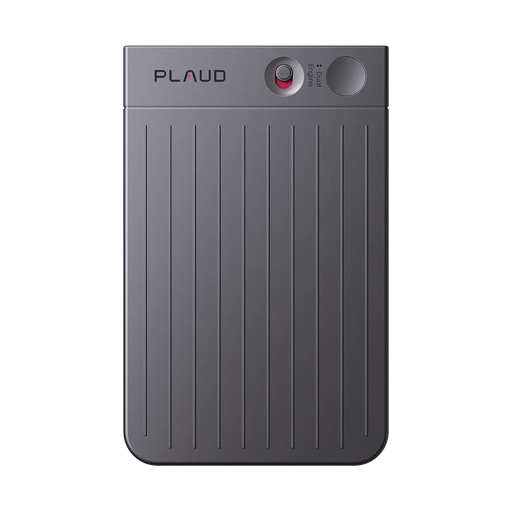
This lecture notes template uses a gap log, a photo reference for visual material, and a highlight reference for key spoken explanations. You can use it on paper, a tablet, or a laptop. If your institution permits recording, Plaud Note Pro and Plaud App add two recovery tools: press to mark a moment in the audio, and take or add a photo of the slide, whiteboard, chart, or worked step that belongs with it.
Lecture notes template and example
Download the free lecture notes template as a PDF. The pages below show its sections in order, from the course details and live structure to the gap log, the memory check, and the review queue.


The lecture notes template: before class, live structure, and markers on the first page, the gap log, recall, and review queue on the second.
A photo preserves the visual record, and a Highlight keeps the explanation attached to it. The gap log turns both references into a question to answer later. Without that question, it is easy to collect media and still return to the lecture with no idea where to begin.
Use Plaud App photos and Highlights in an approved lecture
An AI note taking device can preserve an approved lecture, lab, or field-session explanation that would be difficult to reconstruct from shorthand alone.
When your institution permits recording, Plaud can preserve the parts of a lecture that are hardest to recover from shorthand alone. Press to Highlight marks a spoken explanation you want to revisit, while Plaud App can add a permitted photo of a slide, whiteboard, chart, or worked problem to the same study record.
Ask for the lecturer's permission and follow institutional recording rules before starting. Do not share recordings, photos, transcripts, or slide material outside the permission given. The steps below show how to mark a spoken or visual gap during class, then use the transcript, Highlight, and photo reference to repair that gap after class.
1. Capture the approved lecture with Plaud Desktop, Plaud Note Pro, or Plaud NotePin S
Record with Plaud Note Pro
Record with Plaud NotePin S
A course may mix recorded online sessions, in-person lectures, and labs. Choose the capture method that fits the setting, then keep approved recordings in the same Plaud library. You can return to one marked explanation while repairing the relevant gap in your notes, rather than searching through every file from the week.
Write the learning question and leave room for one photo reference and one highlight reference. This makes a later marker meaningful. The student can connect it to a gap instead of treating it as another file to sort after class.
Press to Highlight when the lecturer clarifies a graph, gives a reason for an equation step, adds a limitation, or signals assessment relevance. Write a short question beside the reference so the next review begins with the learning problem rather than with audio playback.
Take or add a permitted photo in Plaud App when the visual contains a diagram, table, whiteboard derivation, or annotation you cannot copy in time. Add one sentence describing what the photo explains, then pair it with the related Highlight or slide reference in the gap log. The photo becomes part of a later answer, not an isolated image.

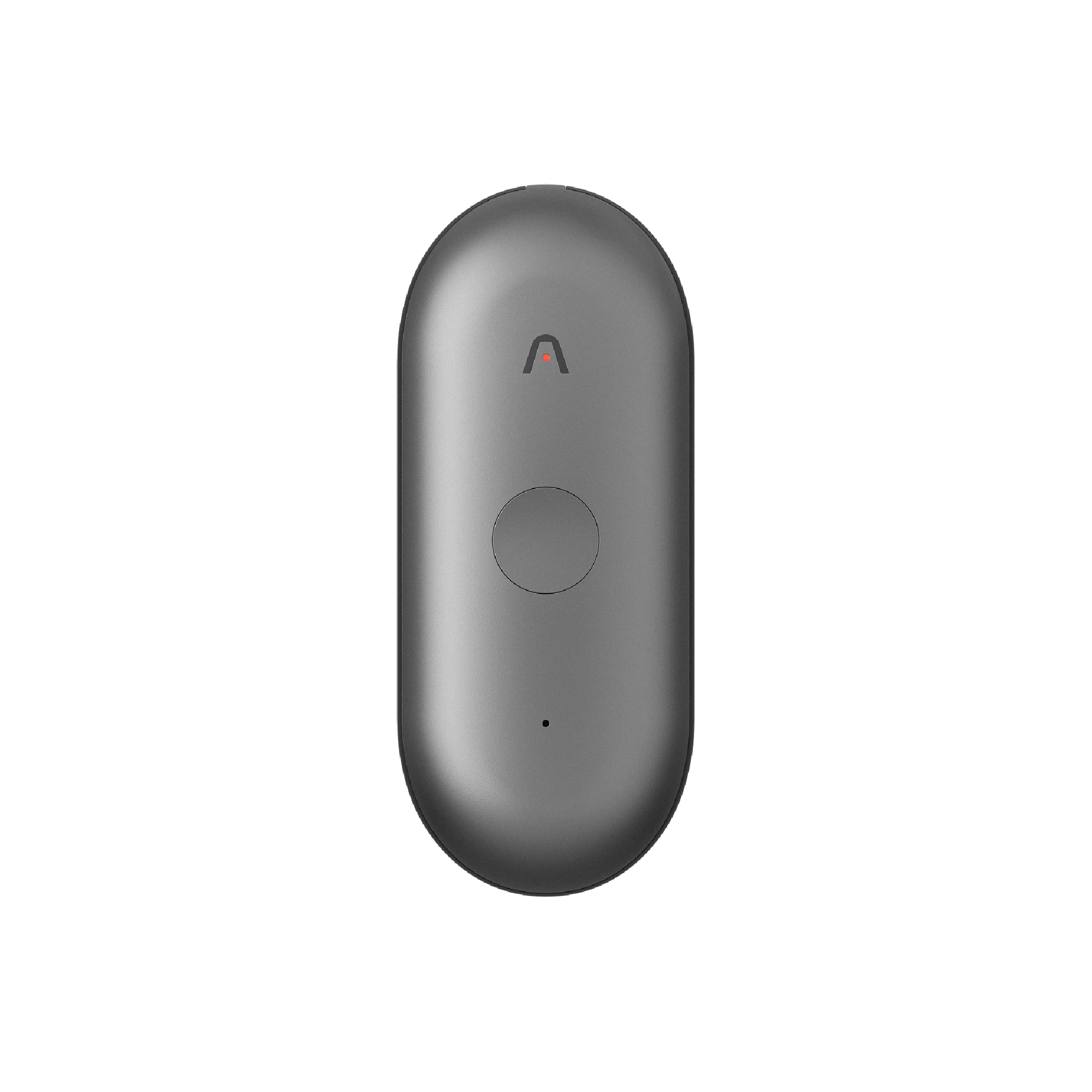
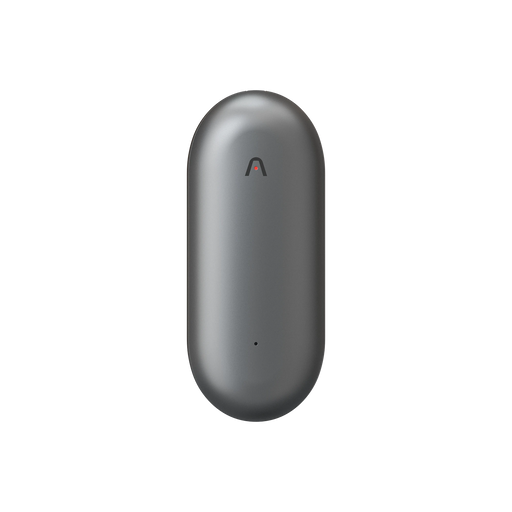
 Plaud NotePin S
Wearable capture for lectures and labs where you move between rooms.
Shop now

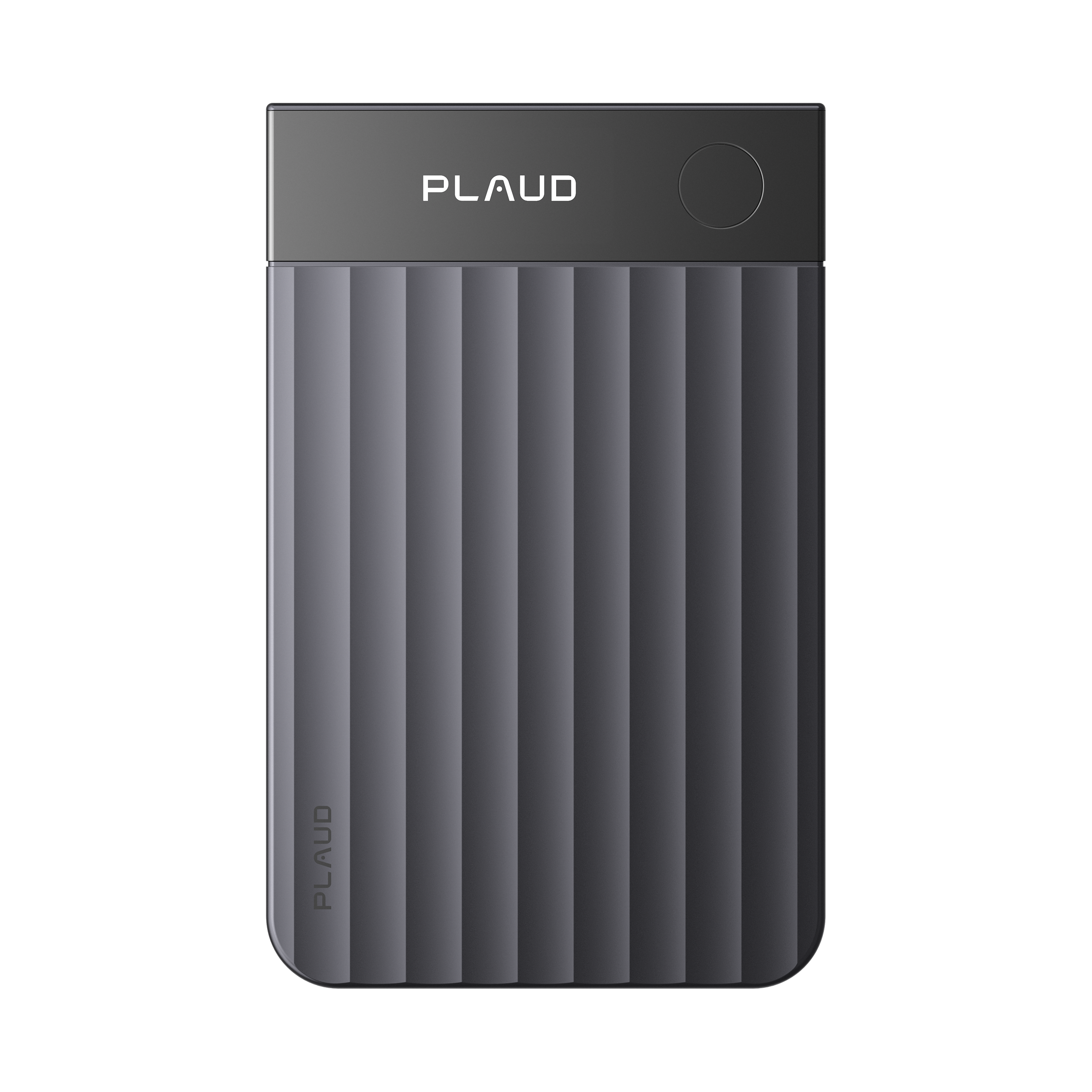
 Plaud Note Pro
Lectures and seminars where recording is allowed, with the parts you missed still on record.
Shop now
Choose the capture method around the room. Use Plaud Note Pro for a lecture hall or seminar where it can sit on the desk beside your notes. Plaud NotePin S is a wearable AI note taking device for classes where you move between rooms, labs, or field sites.
Keep listening during class, then use the approved recording, Highlight, and photo reference to answer the question you marked.
2. Fill the gaps with Plaud Web or Plaud App

Pick the template and generate

Ask Plaud any question to modify the template
After class, open the recording in Plaud Web or Plaud App and use the transcript and summary to answer the questions in your gap log, starting with each Highlight. Verify technical language, formulas, and labels against the original course sources before the answer goes into your notes.
3. Find the explanation through Plaud MCP

Connect Plaud MCP to Claude or ChatGPT

Ask the assistant for the explanation
Plaud MCP lets a connected AI assistant search Plaud recordings and retrieve a transcript or summary. Use it only within the permission the lecturer gave, and keep the answer to your own gap log.
Find the approved [course] lecture from [date].

For each highlight, list the timestamp, the explanation around it, and any formula or term the lecturer used.

Do not add material that was not in the lecture. Mark anything unclear as “to check against course sources.”
Check each explanation against the course sources before it goes into your notes.
Capture an approved lecture, mark the moments you want to revisit, and return to them after class with a transcript and summary.
What is a lecture notes template?
A lecture notes template is a repeatable structure for capturing less during a lecture and recovering more after it. It records the main structure, a few examples, the photos and highlights that matter, and a log of where understanding broke.
Lecture notes capture the structure of the class and the places where understanding broke. Before class, decide which printed material you can leave uncopied. During class, use the gap log to mark a missed step without trying to close it live. After class, write from memory before reopening slides or a recording.
The template asks you to record only what you need for recovery: the main structure, a few examples, the point where understanding broke, and the reference that will help you return. Fill the after-class sections from memory before reopening slides, a recording, or the textbook.
Give each photo and Highlight a reason, not just a file name or timestamp. Instead of “IMG_9284,” write “Photo 3, enzyme-inhibition graph. Check why the curve moves right.” The added question tells you what to recover when you return.
Use the notes before, during, and after class
01 Before class: prepare one question and decide what you can leave uncopied
Read the learning goal, headings, or assigned pages long enough to jot down a starting question. It might be “When does this formula apply?” or “What changes when the assumption fails?” That question gives the lecture a place to attach in your memory before the first slide appears.
If the lecturer has already posted slides or a handout, put the file name or page range in the template. Then write what you will not copy, such as definitions already printed on slide 12. Leave room instead for the lecturer's example, correction, or explanation of why a rule has an exception. In a York University discussion, students described downloading the slides first and adding the professor's contributions as the lecture unfolded. That is a much smaller writing job than rebuilding the slide deck by hand.
Create the gap log before class starts. The blank gives you permission to mark a missed step and continue listening. Trying to recover every sentence immediately can make the next explanation disappear as well.
02 During class: mark the moment, then stay with the lecture
Capture topic shifts, definitions, causal links, and one worked example. When a visual carries information that would take too long to redraw, add a photo in Plaud App if the lecturer and institution allow it. Write one sentence about what the photo is meant to show.
When you hear an exam cue, an explanation that changes the meaning of the slide, or the point where you lose the thread, press to mark it on Plaud Note Pro. Add a short note beside the marker. “Why did the denominator change?” is enough. You can reconstruct the answer after class without abandoning the next part of the lecture.
Use the medium that preserves the material you cannot reconstruct easily. A quick sketch may be enough for a simple diagram. A permitted Plaud App photo is more useful when the board carries several annotations. In either case, attach a question to the source so the next review starts with something you can answer.

03 After class: repair the page, then move only the durable parts
Close the slides first. Write the three-sentence explanation and answer one retrieval question from memory. Then reopen the exact source linked in the gap log: a slide, textbook page, Plaud App photo, or Plaud Note Pro Highlight.
Keep the repaired version on the class page. Later in the week, move a formula, explanation, or diagram that you will reuse into a topic page. Before an assessment, review failed retrieval questions and unresolved gaps on a separate exam page. A dated lecture page stays readable, while the material you need again does not get buried in a long chronological notebook.
If the gap remains, move it into the review queue with a specific action. “Check inhibition” is a subject. “Compare the two graph maxima in problem 4” is something you can complete. A question that survives the same-day pass can go directly to office hours, a study group, or a practice problem.
Choose the capture mode before the lecture starts
The template changes slightly depending on what the lecturer gives you and how the material appears in the room. Choosing that mode first stops the page from becoming a mixture of copied slides, incomplete diagrams, and notes you cannot use later.
01 When slides are already available
Record the slide number and leave the printed content alone unless the lecturer changes it. Use the live structure section for additions: a warning about a common mistake, a worked example, the reason behind a formula, or a link to the assignment. If a slide includes a diagram that the lecturer annotates on the board, a Plaud App photo should capture the added markings, not a duplicate of the original slide.
02 When the board or a diagram carries the explanation
Use the visual marker as the anchor. Take or add a permitted Plaud App photo when the board contains a derivation, an annotated graph, or a diagram you cannot redraw while still listening. In the gap log, choose “visual or derivation” and write what cannot yet be reproduced. Then use a Plaud Note Pro Highlight for the spoken explanation of the arrows, steps, or change in the graph. The image and the explanation have different jobs.
03 When the lecture moves quickly through concepts
Write the topic heading, then capture a contrast, a cause, an example, or an exception. Those four note types preserve how the lecturer is reasoning without pretending to be a transcript. If you lose a step, mark “missed spoken explanation” and keep listening. You can return to that one point later without losing the next five minutes as well.
Match the page layout to the material
One template can serve different subjects because the fields stay the same even when the page looks different.
01 Concept-heavy lecture
Use a Cornell-style page. Place key terms and retrieval questions in the cue column, explanations and examples in the main area, and the memory reconstruction at the bottom. Photos may be less frequent here, but a highlighted definition or contrast can be worth revisiting.
02 Equation or problem-solving lecture
Give most of the page to worked steps. Beside each step, write why it is allowed and what changes from the previous line. Take or add a Plaud App photo when the lecturer builds a long derivation or uses a board diagram you cannot redraw without missing the explanation. Highlight the spoken reason for the step, not every line of arithmetic.
03 Diagram or process lecture
Draw the diagram once if doing so helps you understand its parts. Otherwise, save a photo reference, label what the image shows, and mark the audio explanation that tells you how the arrows, rates, or stages connect. A visual without its explanation can become a puzzle during review.
04 Discussion or case-based lecture
Organize the page around claim, evidence, counterargument, and unresolved question. A Plaud App photo can capture a framework or case table, while a Highlight can mark the lecturer's qualification or rebuttal. Attribution matters only when the speaker's role changes the argument or assessment.
Turn a lecture note into review work
Begin same-day review with reconstruction. Hide the source, explain the main idea in your own words, and answer a retrieval prompt that requires more than a definition. Then compare your answer with the slide, text, photo, or marked audio moment.
Use the queue to schedule only the material that still resists explanation:
Tomorrow: Answer the retrieval questions without looking.
This week: Solve one new problem or explain the concept aloud.
Before assessment: Revisit only failed questions, marked Highlights, and unresolved gaps.
Answer a retrieval question with the page closed, then compare your explanation with the linked source. Each photo, Highlight, and gap should lead to one action: explain, solve, compare, or ask for help.
More meeting templates
Related templates for working notes, recurring manager conversations, and lessons carried from one project into the next.
Meeting notes template
A working record for any recurring meeting, from rough capture to confirmed outcome.
View template →One-on-one meeting template
A shorter format for recurring manager and employee conversations, with space for discussion topics, commitments, and the next check-in.
View template →Project debrief template
Turn what went wrong, and right, into changes to the documents the next project will use.
View template →Keep the recovery question attached to the source
Your notes become easier to use when every marked moment answers three things: what you missed, where to return, and what you will try to explain. A Plaud App photo can preserve a visual. A Plaud Note Pro Highlight can preserve the explanation. The gap log turns them into review work before the lecture fades into the next one.