


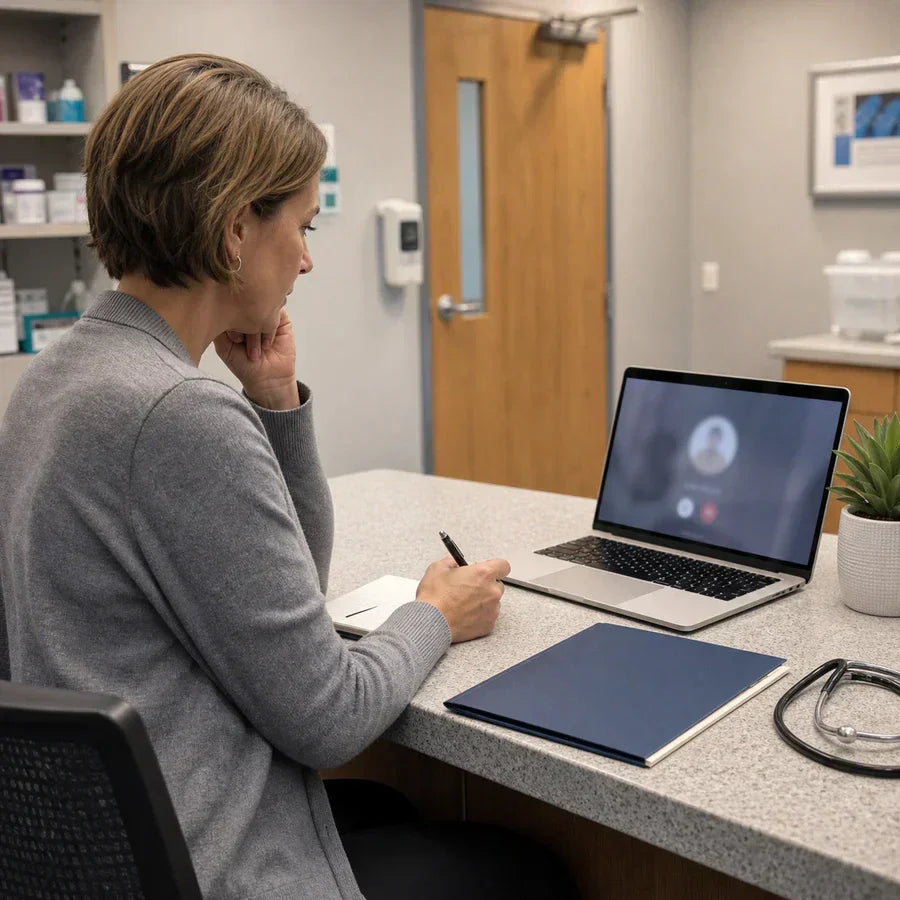

Yes, but only under specific conditions. Zoom can support HIPAA compliant video visits when your organization is on a qualifying paid plan, has signed a Business Associate Agreement (BAA) with Zoom, and has the account configured and used correctly. None of those steps is optional. Skip any one of them and a Zoom call that includes protected health information (PHI), a patient's name, diagnosis, treatment plan, or even their face on video, is a HIPAA violation waiting to happen.
No video platform is "HIPAA certified." There is no government body that stamps software as compliant. Compliance describes a combination of what the vendor provides and how your organization uses it day to day. Zoom builds the tools. You are responsible for turning them on and using them the way HIPAA requires.
Which Zoom plans are HIPAA compliant
The free version of Zoom does not qualify for HIPAA use under any circumstances. Zoom will not sign a BAA for free accounts, and without a BAA, any PHI shared over the platform is a violation regardless of how strong the encryption looks.
To get a BAA, your organization needs one of these:
- Zoom Workplace Pro, Business, or Enterprise. These paid tiers are eligible for a BAA once you request one from Zoom.
- Zoom Workplace for Healthcare. Zoom's dedicated healthcare tier builds on the same BAA-eligible foundation with added controls for clinical workflows, plus integration options for electronic health record systems.
Pricing for the healthcare tier is quoted directly by Zoom's sales team, since it scales with license count and add-ons. If your organization already runs Zoom Business or Enterprise for general use, you likely do not need a separate healthcare license. You need the BAA and the correct configuration on the account you already have.
The BAA does not automatically cover every product in the Zoom family. Zoom Meetings, Zoom Phone, and Zoom Team Chat can each fall under the same agreement, but only when they sit on a plan and account that Zoom has included in the BAA scope. A common mistake is assuming that because the meeting side of the account is covered, a phone line added later on a different license is covered too. Check the BAA itself, or ask your Zoom account team directly, rather than assuming coverage extends to every feature you can see in the admin console.

How to get a Zoom BAA and set up compliant meetings
A signed BAA is the legal foundation. Without it, no amount of encryption makes a Zoom call HIPAA compliant. Here is the sequence:
- Confirm your plan qualifies. Free and personal accounts are excluded.
- Request the BAA from Zoom. Zoom uses a standard BAA for all healthcare customers. You cannot substitute your own agreement, since Zoom's terms require using theirs.
- Have your security officer review and sign it. This is typically the HIPAA Privacy Officer or Security Officer named in your organization's compliance policies.
- Turn on the required account settings. A signed BAA does not configure anything automatically. Someone still has to lock down the account.
- Train staff before the first patient call. A compliant account used incorrectly is still a violation.
Once the BAA is in place, these settings matter most for any meeting where PHI might come up:
- Waiting rooms for every meeting, so no one lands in a call before the host admits them.
- Meeting passwords on every scheduled call, not just the ones that feel sensitive.
- Unique meeting IDs instead of a recurring personal meeting ID for patient visits.
- Encryption in transit, which Zoom enables by default on Business and healthcare tiers.
- Restricted screen sharing and file transfer, so a patient's device cannot accidentally push content into the session.
- Audit logging turned on, so your security officer can review who joined, when, and what was recorded, which supports the audit control requirement under the HIPAA Security Rule.
- A clear policy on cloud recordings, since a recording is PHI the moment it includes a patient's voice or image. Wherever a Zoom recording lands, whether Zoom's cloud storage or a local drive, that location has to sit inside your BAA coverage and your organization's security controls. Restrict download permissions to hosts, and set an automatic deletion or retention schedule instead of letting recordings pile up indefinitely.
Some Zoom AI features are disabled automatically once a covered entity signs the BAA, because those features have not been extended to fall under the agreement. Check your admin settings after signing rather than assuming every feature you see in the interface is covered.
Recording Zoom healthcare calls without breaking your BAA
This is the part most guides skip, and it is where a lot of practices unknowingly step outside their own compliance program. Zoom's BAA covers Zoom. It does not automatically extend to whatever other tool you point at the call.
If a clinician uses a separate AI note taker to transcribe or summarize a telehealth visit, that tool is processing PHI too, whether it is a browser extension, a bot that joins the meeting as a visible participant, or a background app on the desktop. If that tool does not have its own BAA and its own HIPAA-aligned handling of audio and transcripts, adding it to a Zoom visit can undo the compliance work you just did on the Zoom side. The responsibility does not shift to the note-taking vendor automatically. It stays with the covered entity until a BAA says otherwise.
Two questions are worth asking before any AI recording tool touches a patient visit:
- Does the vendor offer a BAA, and has your organization signed it?
- Where does the audio go the moment it is captured, and who can access it before you delete it?

Plaud Desktop is built to answer the second question cleanly for online visits. It detects when a Zoom, Google Meet, or Microsoft Teams call starts and captures audio natively from the desktop, without a bot joining the meeting as a visible participant, which matters for a patient who already finds a video visit less personal than sitting across from their provider.
For in-person or phone consultations that never touch Zoom at all, a hardware-first approach solves the same "where does the audio go" question differently. Plaud Note Pro, a physical AI note taker, captures and holds the recording on the device itself before any cloud processing starts, so the clinician keeps physical custody of the audio until they choose to sync it. It is one of several devices in Plaud's healthcare lineup, built around the same HIPAA, SOC 2, and GDPR compliance program, so the question of whether the note-taking layer has its own BAA has a clear answer before you ever bring it into a clinical workflow.
Before you record any conversation, take a moment to let others know and get their okay.
Where the compliance responsibility still sits with you
A BAA and a paid plan get you eligible. They do not get you compliant on their own. The HIPAA Journal's review of OCR enforcement data points to a pattern that shows up across breach investigations: it is rarely the platform itself that causes a violation. It is almost always a misconfiguration or a workflow gap, someone using a personal Zoom account for a quick patient call, a recording saved to an unencrypted local folder, a waiting room turned off because it slowed down a busy clinic day.
Common gaps worth checking on a recurring basis, not just once at setup:
- Staff defaulting to personal or free Zoom accounts when the sanctioned account is slower to open.
- Recordings downloaded to a laptop or shared drive that sits outside your BAA coverage.
- New hires never trained on the platform's compliant settings before their first patient call.
- A third-party calendar, scheduling, or transcription add-on connected to Zoom without its own BAA review.
Document the check, not just the fix. A signed BAA on file is not enough on its own if an OCR audit asks how you confirmed the account was configured correctly, who trained new staff, and when you last reviewed connected third-party tools. A short quarterly checklist, reviewed and dated by your security officer, turns "we believe we are compliant" into something you can put in front of an auditor.
The HHS guidance on HIPAA and telehealth is worth bookmarking directly, since OCR updates its telehealth-specific expectations as the underlying technology changes. Your risk analysis should treat video conferencing the same way it treats email or file storage, as a vendor relationship that needs its own BAA, its own configuration review, and its own place in staff training. For the contractual side of any vendor relationship, including Zoom's, the HHS guidance on business associates lays out what a compliant BAA has to cover.
Check your BAA before your next patient call
If your organization is already paying for Zoom Business, Enterprise, or Workplace for Healthcare, the fastest fix is usually not a new platform. It is confirming three things this week: the BAA is signed and on file, the waiting room and password settings are turned on for every clinical meeting, and anyone recording those calls, in Zoom or through a separate note-taking tool, can point to that tool's own HIPAA documentation.
For the recording side specifically, Plaud publishes its full compliance list, including HIPAA, SOC 2, and GDPR, on its Trust Center, so your security officer can review it before it touches a single patient conversation.
If required by law, obtain consent from all participants before recording, and comply with applicable law.









