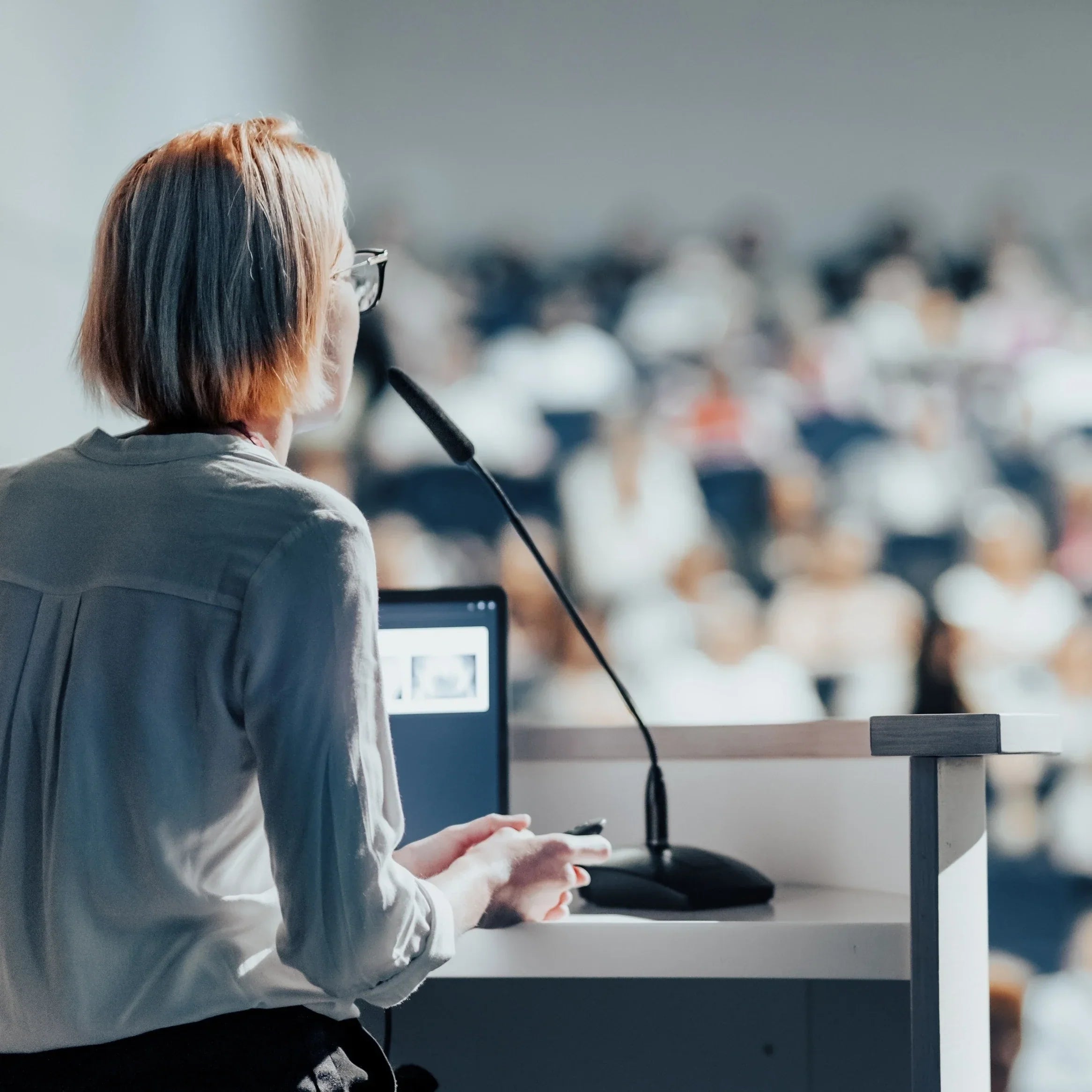

An industry conference is not one meeting repeated for three days. It is a chain of keynotes, breakout sessions, workshops, hallway conversations, and virtual tracks. The note-taking problem changes each time you leave an auditorium and walk into a crowded expo hall.
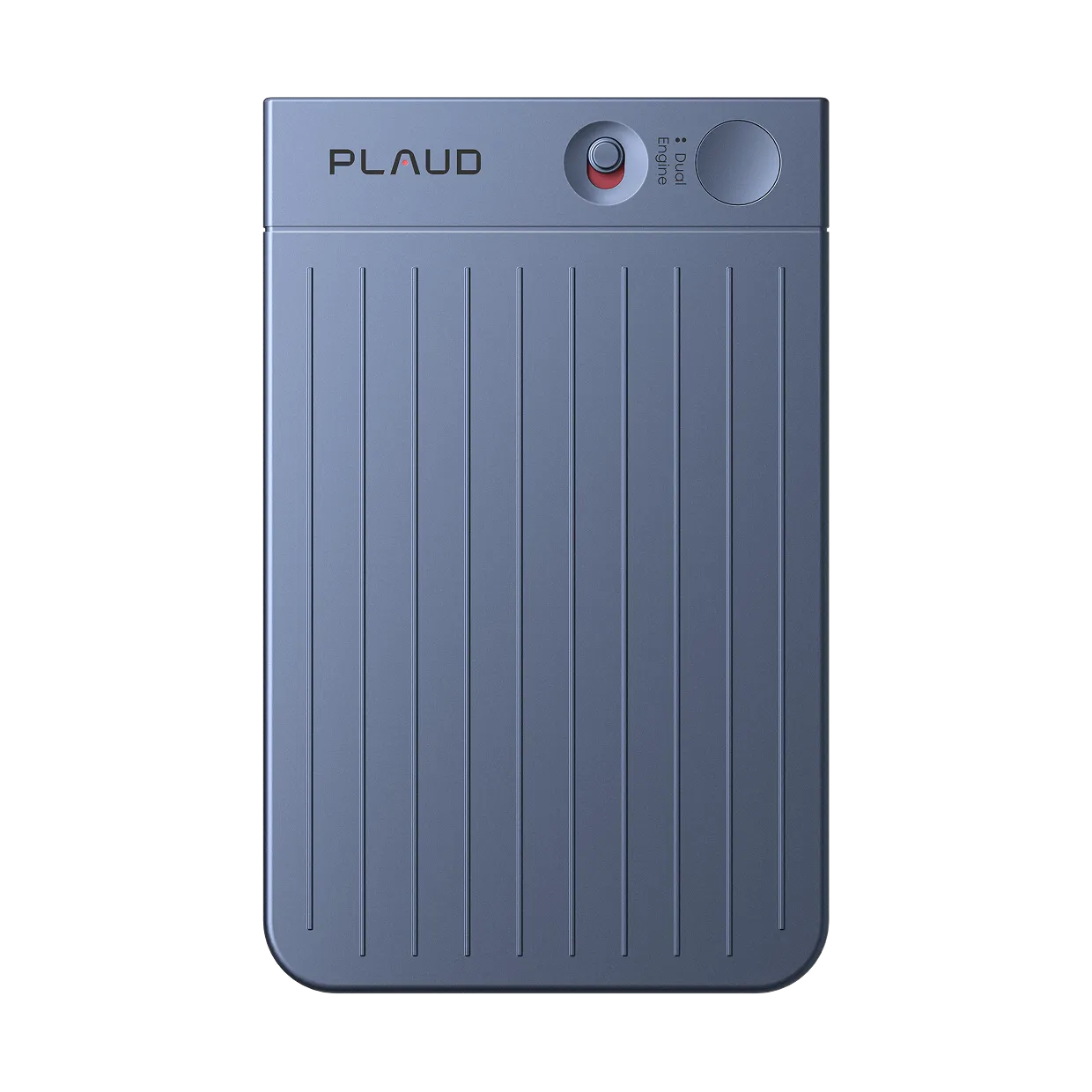
For in-person conference keynotes and breakout sessions, Plaud Note Pro is the best AI note taker. It records locally, so the session can continue when venue Wi-Fi is unreliable. Its longer battery option and room pickup also suit multi-day events better than a phone microphone. Otter.ai or Fireflies.ai make more sense when the conference is entirely virtual.
What counts as conference note-taking (not a conference call)
This article is about industry conferences, professional summits, academic events, and trade shows. You may be listening to a keynote in a large auditorium, comparing ideas in a breakout room, or moving between booths before an evening reception.
That is different from a conference call on iPhone. A phone call is a connection problem, while a conference is a capture-and-review problem across sessions. See this guide to a conference call on iPhone only if that is your actual intent.
The pain points are predictable: far-field speakers, back-to-back sessions, crowded Wi-Fi, and bots that cannot join a room. You also need to identify each session afterward.
The right tool needs a sensible room recording method, enough battery, local storage, and outputs that help with follow-up.
Why meeting bots fail at in-person conferences
Otter.ai, Fireflies.ai, and similar meeting assistants are built around online meeting platforms. Their bots join a scheduled Zoom, Google Meet, or Microsoft Teams call, capture the digital audio, and produce a transcript. That is helpful for a virtual conference track. It does not solve a keynote in a hotel ballroom.
The bot also creates an etiquette problem. A virtual participant may be expected online, but not welcome in an in-person room. The event and speaker may have separate audio or slide rules.
Hardware solves a different problem in the room. A recorder can sit on a table without entering a calendar invite. Plaud Note Pro stores recordings locally for later processing, reducing dependence on venue Wi-Fi. It does not create permission to record.
Use hardware for the room and software for the virtual track because each source captures a different audio environment. A polished online summary is not proof of auditorium coverage. For a room-based comparison, see in-person meeting note takers.
How to choose an AI note taker for conferences
Four factors shape the right choice: room size, battery duration, session format, and what you need from the notes afterward.
- Keynote distance: A large auditorium favors a physical recorder with room pickup. A breakout table is easier for a phone or smaller device. Check where the microphone will sit before comparing AI features.
- Multi-day battery: Plaud Note Pro's Enhance mode is listed for up to 30 hours, while Endurance mode extends recording to up to 50 hours with a shorter pickup range. Longer battery life in Endurance mode comes at the cost of shorter pickup range.
- Offline-first capture: Local recording matters when hotel or expo Wi-Fi is overloaded. Cloud-first tools are convenient for live transcripts, but a connection problem can delay capture or processing.
- Session policy: A conference organizer may record the official session while restricting personal audio or video. Check the event code of conduct, session notice, and speaker rules before recording.
- Transcription allowance: The Plaud Starter Plan includes 300 transcription minutes per month per account. A multi-day attendee should estimate session length before assuming the allowance will cover every talk.
- Next output: Decide whether you need a searchable transcript, a short summary, action items, quotes for research, or a list of people to follow up with. The best tool is the one that helps with the next task after the session.
Room-first hardware works best for conferences that happen around you. Platform-first software works best for events that happen inside a virtual meeting link.
Compare an AI scribe for meetings only if it captures the room, not just online audio.
Best AI note takers for conferences
The table below covers seven tools across the main conference scenarios: in-person keynotes, mobile breakout sessions, and virtual tracks.
| Tool | Best conference scenario | Keynote or auditorium | Multi-day fit | Bot-free option | Free allowance | Starting price |
|---|---|---|---|---|---|---|
| Plaud Note Pro | In-person keynotes and large rooms | Up to 5 meters of listed pickup | Enhance mode: up to 30 hours, Endurance mode: up to 50 hours | Hardware capture | Plaud Starter Plan: 300 minutes/month | $189 |
| Plaud NotePin S | Smaller breakout sessions and mobile attendees | Wearable, up to 3 meters of listed pickup | Up to 20 hours | Hardware capture | Plaud Starter Plan: 300 minutes/month | $179 |
| Otter.ai | Virtual tracks and searchable notes | Not a hardware auditorium recorder | Subscription | Desktop bot-free option or Notetaker bot | Basic 300 minutes/month | Free, Pro from $8.49 annual |
| Fireflies.ai | Virtual tracks and team search | Not a hardware auditorium recorder | Subscription | Desktop and supported bot-free options | Free plan limits vary | Free, Pro from $10 annual |
| Fathom | Remote-only conference days | Not designed for large in-person rooms | Subscription | Bot-free availability varies | Free unlimited recording/transcription | Free, Premium from $16 monthly |
| Fellow | Small roundtables and planned follow-up | Weak for auditorium capture | Subscription | Botless options vary | Limited free access | Verify current price |
| Krisp | Software noise control and online sessions | Software microphone configuration | Subscription | Bot-free software option | Seven-day trial | Core from $8 annual |
1. Plaud Note Pro: best for keynotes and large conference rooms
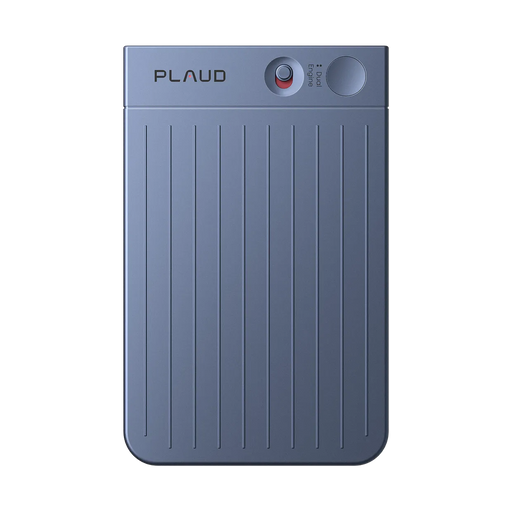
Plaud Note Pro is the clearest choice when the important session is happening in front of you. It is designed for larger spaces, so it makes more sense in a keynote auditorium than a bot that cannot enter the room.
Pros:
- Four MEMS microphones with AI beamforming and up to 5 meters or 16.4 feet of listed pickup. In a larger room, that gives the recorder more room to hear speakers who are not sitting next to it.
- Local 64GB recording, InstantView AMOLED display, Smart Dual-Mode, and Enhance mode or Endurance mode battery options. That gives an attendee a visible recording check and enough local space to work around unreliable venue Wi-Fi.
Cons:
- It is a $189 hardware purchase and still requires event permission and sensible placement.
Plaud Note Pro can record a morning keynote locally and process it later when the network is better. Enhance mode is listed for up to 30 hours, while Endurance mode reaches up to 50 hours with a shorter pickup range. Keep those claims separate when planning coverage.
After a Plaud device is bound to the buyer's account, Plaud Desktop covers supported virtual sessions from the same account. That makes the arrangement more flexible when an event mixes a physical keynote with an online workshop. For the post-session handoff, see this guide to an AI meeting minutes workflow after sessions.
Plaud Note Pro makes more sense when in-person keynotes, large rooms, local recording, and a multi-day schedule matter more than a software-only subscription.
Price: $189. The Plaud Starter Plan includes 300 minutes per month per account.
2. Plaud NotePin S: best wearable pick for breakout sessions
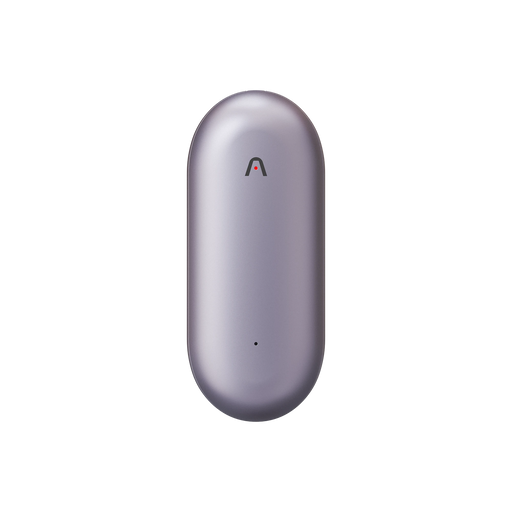
Plaud NotePin S is the more flexible hardware choice for smaller breakout rooms, single-track days, or attendees who move between sessions.
Pros:
- 17.4 g wearable design with pin, clip, lanyard, and wristband options. That makes it easier to keep recording while moving between rooms or people.
- 64GB storage, Press to Highlight, offline capture, and up to 20 hours of recording. For a mobile day, that means the device can stay with the user while key moments are marked and synced later.
Cons:
- Its 3-meter pickup range is less suitable for a distant keynote speaker than Plaud Note Pro.
The decision is about room size and movement. Plaud NotePin S works when the recorder needs to stay with you between breakout rooms, workshops, and networking areas. It is weaker at the back of an auditorium, where Plaud Note Pro's range matters more. Plaud Desktop can cover supported online sessions after binding.
Plaud NotePin S makes more sense when you attend smaller breakout sessions, move between tracks, and want wearable local capture without a meeting bot.
Price: $179 when verified against the current product offer.
3. Otter.ai: best for virtual conference tracks

Otter.ai works well when the conference is delivered through online sessions and you want live transcription, search, summaries, and slide capture.
Pros:
- Basic includes 300 monthly transcription minutes, with searchable transcripts and summaries.
- Otter Desktop offers a bot-free option for supported online meetings.
Cons:
- The visible Notetaker option and computer microphone are poor substitutes for in-room keynote capture.
Otter works best when each session arrives as a Zoom, Google Meet, or Microsoft Teams link. Basic limits imports, conversation duration, and history. Pro is listed from $8.49 per user per month annually.
Use Otter.ai when the conference is mostly virtual and live text or searchable session notes matter more than local auditorium recording.
Price: Basic is free. Pro starts at $8.49 per user per month on annual billing.
4. Fireflies.ai: best for online tracks and team search

Fireflies.ai works for teams that want virtual conference sessions to become searchable records with summaries, tasks, and follow-up context.
Pros:
- Multiple recording methods, including bot, desktop system audio, mobile recording, and supported browser capture.
- Strong search, summaries, action items, and team-oriented organization.
Cons:
- Bot and plan permissions can complicate a virtual session, while the product is not a large-room hardware recorder.
The desktop option can capture system audio without a bot, while the Notetaker joins as a visible participant. If the host restricts extra attendees, the desktop option is easier to approve. Fireflies suits team search across virtual sessions, not an auditorium.
Fireflies.ai is the stronger pick when the conference is online, several people need the same searchable record, and plan-specific capture permissions suit the event.
Price: A free plan is available. Pro is listed from $10 per user per month on annual billing, subject to current plan verification.
5. Fathom: best for remote-only conference days

Fathom is a strong software option for a remote-only conference day where unlimited recording and transcription matter.
Pros:
- Free plan includes unlimited recordings and transcriptions for supported online meetings.
- Summaries, action items, search, and custom meeting outputs help with post-session review.
Cons:
- Bot-free availability varies, and its in-person room capture is weak for large conference spaces.
Fathom works with Zoom, Google Meet, and Microsoft Teams, with bot-based and newer bot-free options. The bot-free experience remains subject to platform and device limits. It suits virtual tracks, not the back of a keynote hall.
Fathom is the simpler choice when the entire conference day is remote and you want generous software recording before paying for hardware.
Price: Free is available. Premium pricing starts from the current official monthly or annual view and should be verified before publication.
6. Fellow: best for small roundtables and follow-up planning

Fellow is better treated as a meeting-planning and follow-up tool than as a conference recorder. It can make sense for a small roundtable where agendas, notes, decisions, and assigned follow-ups matter more than far-field audio.
Pros:
- Useful structure for agendas, decisions, action items, and follow-up ownership.
- Better choice for a controlled roundtable than an unstructured expo-floor conversation.
Cons:
- It is not a dependable auditorium recorder, and current botless availability and pricing need verification.
The use case is narrow but clear. A facilitator may value structured notes more than a raw transcript. A rear-seat keynote needs a different recording method.
Fellow makes more sense when a small, controlled roundtable is the main event and structured follow-up is more important than local room recording.
Price: Verify the current official plan and botless feature availability before publication.
7. Krisp: best software noise control around expo and hybrid setups

Krisp is a software comparison point for noisy calls, trailer conversations, and controlled in-person sessions where noise cancellation matters.
Pros:
- Bot-free software capture with noise cancellation, transcription, and AI notes.
- Core includes in-person meeting notes and a mobile app for selected workflows.
Cons:
- Software cannot offer the local, wearable, far-field capture of Plaud Note Pro in a crowded auditorium.
Krisp can help when a team controls the laptop or phone audio feed. It cannot recover a keynote voice the microphone missed, and event rules still apply.
Krisp makes more sense when software noise control is the priority and the session happens through a computer, phone, or controlled room setup.
Price: Core is listed from $8 per user per month on annual billing. Verify current plan terms before publication.
Conference workflows that actually work
Three session formats come up most often at conferences. The recording approach changes for each.
In-person multi-track day
Before the keynote, check the code of conduct, charge the device, and choose the recording mode. Place Plaud Note Pro where recording is permitted. Endurance mode extends coverage, but its shorter pickup range makes placement important. Mark key insights and label the file with the session name.
Physical sessions plus a virtual reception
Use Plaud Note Pro for in-person sessions, then switch to Plaud Desktop, Otter.ai, or Fireflies.ai when an evening workshop moves online. The same recording method is not always best for both environments.
Virtual-only conference
For a conference delivered entirely through links, Otter.ai, Fireflies.ai, or Fathom may be more convenient than hardware. Pick based on bot visibility, plan limits, live transcripts, and sharing needs.
After each session, review the transcript while the context is fresh. Correct names and terms, then list ideas to investigate, people to follow up with, and actions to complete.
For networking rather than session capture, see client meetings and networking at events.
Recording policies at conferences
Personal notes and official session recording are different. An organizer may record a keynote while restricting attendee audio or video. A speaker may also prohibit recording slides, quotes, or unpublished material.
Rules vary by event, session, venue, and jurisdiction. Check the code of conduct, session notices, and speaker policies before recording. When the rule is unclear, ask staff because a quiet hardware recorder is not automatically permitted.
PCMA discusses livestreaming, recording, and on-demand conference content. Cornell LII provides general consent context. Neither replaces event rules or legal advice.
Removing the bot does not remove the recording rules. Plaud Note Pro may avoid adding a meeting participant, but it still captures voices. Record only permitted sessions and share the processed notes with the people who need them.