Most second brain systems fail at the Capture step: spoken information from meetings and calls never enters the system, regardless of how well the rest of it is organized. This article covers what information gets missed, why the capture layer breaks down, and how voice capture closes the gap.
What a second brain actually is (the version that matters)
Note: in neuroscience, “second brain” refers to the enteric nervous system in the gut. This article uses the term for Tiago Forte’s BASB knowledge management framework.
A second brain is an external system for capturing, organizing, and retrieving information you would otherwise forget. The concept comes from David Allen’s GTD and was formalized as Building a Second Brain (BASB) by Tiago Forte (Forte, 2022).
The framework operates on four steps: Capture, Organize, Distill, Express (the CODE model). The system fails most often at the first one.
Second brain system vs human working memory
Baddeley’s model places working memory capacity at approximately four chunks of information held simultaneously in the episodic buffer, linking verbal and visual inputs briefly before they decay. The apps most people use for second brain systems (Notion, Obsidian, Roam) handle Organize, Distill, and Express well. None of them solve Capture for spoken information.
For a comparison of different capture approaches, note-taking methods compared covers the range in detail.
Why most second brain systems stop working after 30 days
Second brain systems fail at the Capture step, not because the app is wrong, but because most information in a knowledge worker’s day is spoken, not typed.
Four types of information that knowledge workers lose every day:
- Ideas and decisions from meetings and calls
- Observations from in-person conversations
- Thoughts during commutes, walks, or before sleep
- Verbal feedback given in reviews, walkthroughs, and 1-on-1s
The scale is significant. Knowledge workers attend an average of 27.9 meetings per month, and 47% consider most of those meetings unproductive (Atlassian, State of Teams 2023). That volume of spoken input generates decisions, action items, and insights, most of which never make it into any system.
Memory does not hold the gap. Within one hour of first encountering new information, people forget an average of 56% of it without active encoding, and over 76% by end of day (Murre & Dros, 2015). The plan to “add it to Notion later” fails before the afternoon.
The Notion database fills up with saved articles and web clips because those are typed, digital, and easy to capture at the moment of reading. Meetings, calls, and conversations require manual transcription, done after the fact once working memory has already degraded. So they stay out.
The root cause is not curation discipline. It is that there is no direct path for spoken input into the system.
What information your second brain is missing right now
The information gap in most second brain systems is not articles or web pages. It is the spoken layer: meetings, calls, conversations, and ideas that happen out loud.
| Information type | How most people capture it | Makes it into the second brain? |
|---|---|---|
| Meeting notes | Manual typing after the call | Usually not |
| Client call insights | Memory | Rarely |
| In-person brainstorm | Whiteboard photo | Sometimes |
| Commute or shower ideas | Mental note | Almost never |
| Webinar or podcast | Saved link | Yes |
| Article or email | Copy-paste or browser extension | Yes |
The pattern is clear: digital content gets captured reliably because it is already in a pasteable format. The most valuable insights in knowledge work, the ones that surface in conversation rather than in reading, are the ones consistently missing from the system.

How voice capture fills the gap in your second brain
Adding a voice capture device to your second brain system closes the gap between what happens in conversation and what makes it into your notes.
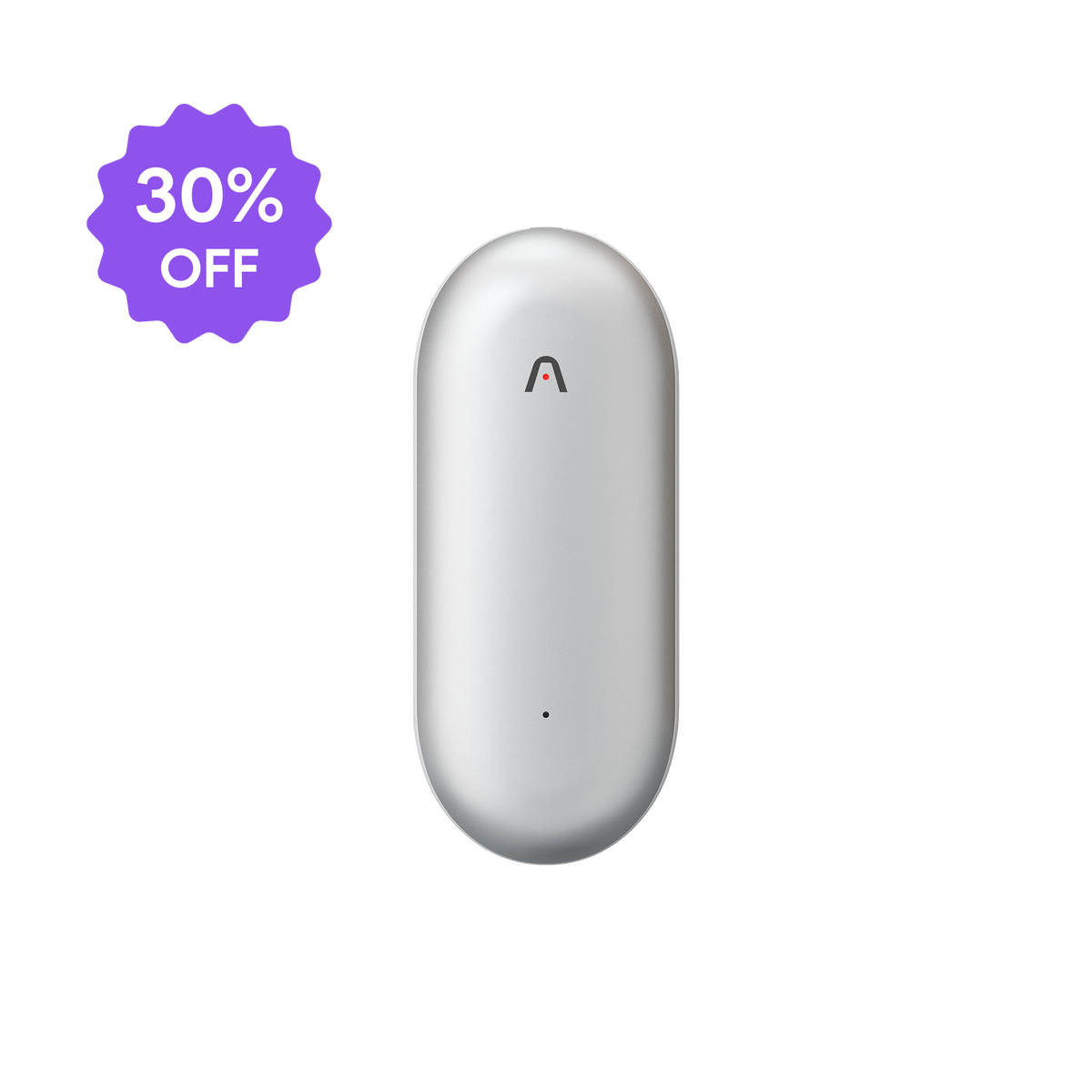
Plaud NotePin S is a wearable physical AI note taker you wear as a pin, clip, or lanyard. Press once to start recording, and the transcript arrives in the Plaud App when the session ends. One r/productivity thread captured the instinct exactly: “I have a physical pocket book which I’d take it everywhere.” Plaud NotePin S is that instinct, voice-enabled.
- In-person client meetings and team standups
- Phone calls and video calls
- Walkaround conversations and fieldwork observations
- Solo voice journaling between meetings
- Commute brainstorming
For a deeper look at the full workflow, complete guide to AI note takers covers the options across use cases.
Voice capture closes the spoken-input gap in the Capture layer, but does not replace a review habit. Information recorded but never reviewed still does not make it into the second brain in a usable form. The same Organize, Distill, Express steps still apply once the transcript arrives.
How to connect voice capture to your second brain (step by step)
Here is a working setup that connects Plaud NotePin S to Notion, so every recorded conversation ends up as a tagged entry in your second brain.
- Clip on the NotePin S and press the button to start recording.
- After the session, open the Plaud App. The transcript appears automatically.
- Review the transcript and highlight the key sections worth keeping.
- Use the Plaud App’s Ask Plaud feature to extract action items and key decisions as structured text.
- Copy the formatted output into your Notion second brain database with the appropriate tags.
Ask Plaud lets you query across past recordings: “what did I decide about the pricing model last month?” surfaces the answer from your transcript history without manual searching.

For more on the full export and summarization workflow, transcription and AI summarization workflow covers the process in detail.