


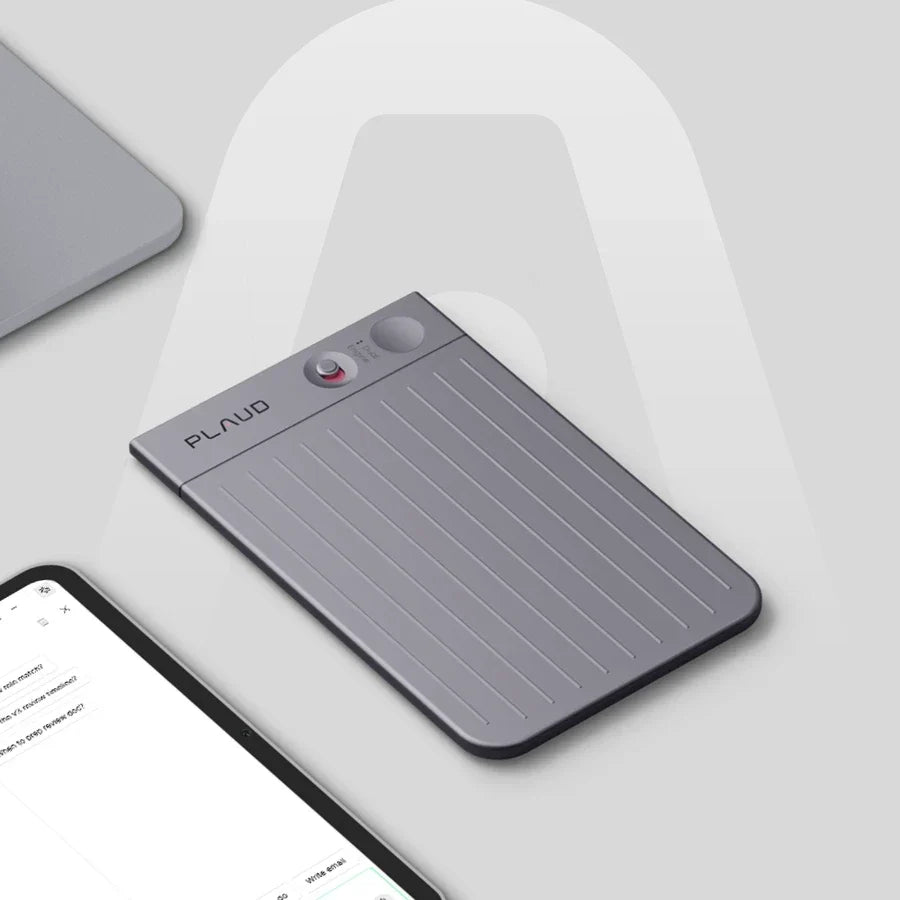

People search for a Plaud Note alternative for different reasons, and a flat list of competitors does not sort them well. Some do not want to buy hardware at all. Some run most of their conversations through Zoom or Google Meet and want that covered. Some want their recordings to plug into the AI tools and apps they already use. Some like the card-style recorder but keep running into its range or battery limits. Some want something wearable instead of something that clips to a phone. This guide sorts by that reason first, then names the option that fits it, whether that sits inside the Plaud lineup or outside it.
You do not want to buy a device at all
If your recording needs are occasional, the tool you already own may cover it.
Google Recorder ships on Pixel phones and transcribes on-device the moment you press record, with no upload and no internet connection required for the base transcription. Select Pixel models add an AI summary powered by Gemini Nano, and the app can search across past recordings by keyword. It costs nothing and needs no separate account, but it stays inside the Pixel ecosystem and does not capture phone calls or in-person meetings the way a dedicated device does. Google documents the full feature set on its Pixel support page.
 Apple Notes and Voice Memos cover the same ground on iPhone, iPad, and Mac. Since iOS 18, both apps generate a live transcript as you record, and Apple Intelligence adds a summary on supported devices. It works offline, costs nothing, and syncs through iCloud. The limits are real: transcription only supports a handful of English variants, it records what your microphone picks up rather than a phone call itself, and there is no speaker labeling for a multi-person meeting.
Both are worth using if your recordings are personal notes, lectures, or the occasional interview. Neither is built for back-to-back meetings, call recording, or multi-language transcription with speaker separation.
Your meetings are already online
If most of your conversations happen on Zoom, Google Meet, or Microsoft Teams, the fix does not have to mean leaving Plaud.
Plaud Desktop is a free app for existing Plaud accounts that detects an active online meeting and records the system audio directly, without a bot joining the call. It works across Zoom, Google Meet, Microsoft Teams, and other platforms, and the recordings sync into the same Plaud App and Plaud Web account as anything captured on Plaud Note or Plaud Note Pro. For most people who searched for an alternative because Plaud Note itself cannot join a video call, this closes the gap instead of requiring a new tool and a second account.
If the objection is not the missing feature but the Plaud account itself, Granola is the standout software-only option. It runs on Windows and iOS, joins a call quietly in the background with no bot, and enriches whatever you type during the meeting with the AI transcript rather than replacing your notes with a full wall of text. A chat interface lets you search across past meetings afterward, and a Team Spaces feature lets a team pool notes in shared folders, with APIs for syncing meeting data into other tools. It is also one of the fastest-growing names in this category, valued at $1.5 billion after a March 2026 funding round. Otter.ai, Fireflies.ai, and Fathom cover similar ground with different trade-offs on pricing and CRM depth. Our dedicated guides on Otter.ai alternatives, Fireflies.ai alternatives, and Fathom AI alternatives go deeper on that comparison.

You want your recordings inside the AI tools you already use
Some searches for a Plaud alternative are really about developer access: an API, webhooks, or a way to pull recording data into another system instead of a closed dashboard.
Plaud MCP connects your Plaud recording history to any MCP-compatible AI client, including Claude, ChatGPT, Cursor, and Codex. Once connected, you can ask your AI assistant to summarize a specific recording, pull the transcript with speaker labels, or draft a follow-up email from a meeting's action items, all without opening the Plaud App separately. Plaud CLI covers the same data from a terminal for anyone scripting exports or automating a workflow. This is often a more direct fix than switching devices entirely, since the limitation was never the recording hardware. It was the lack of a way to get that data out.

What is bothering you is range, battery, or reliability
If the category itself works for you and Plaud Note is where you started, the most direct answer often is not a competitor at all.
Plaud Note Pro is the same card-style form factor with the specific limits addressed. The most noticeable difference in daily use is the record button itself: Plaud Note requires a manual switch to move between standard and phone call recording mode, while Plaud Note Pro's smart dual-mode recording detects and switches automatically the moment a call starts or ends, so there is nothing to remember mid-conversation. On top of that, it carries 4 MEMS microphones with AI beamforming instead of Plaud Note's 2, which extends the pickup range to 5 meters (16.4 feet) versus 3 meters (9.8 feet). Battery capacity moves from 400 mAh to 500 mAh, which supports up to 30 hours in Enhance mode or up to 50 hours in Endurance mode, against Plaud Note's flat 30 hours. It adds an InstantView AMOLED display for status at a glance, Press to Highlight to mark key moments during a recording, and Find My support through Apple's network, which Plaud Note does not have. Everything still syncs through the same Plaud Intelligence pipeline: transcription and structured summaries in 112 languages, speaker labels, and Ask Plaud for querying past recordings. Our full breakdown of the Pro upgrades explained goes through every difference in more detail.

You want something wearable, not something that clips to a phone
A card-style recorder solves a different problem than a wearable one. If pulling out a device and attaching it to your phone before a conversation feels like an extra step, or you want capture to happen without thinking about it at all, a wearable form factor is the real fix, and Plaud makes two.
Plaud NotePin is the original wearable in the lineup: 51 x 21 x 11 mm, 16.6 grams without its magnetic pin, and built to be worn as a lanyard, wristband, clip, or pin rather than carried in a pocket or attached to a phone case. It picks up audio from up to 3 meters (9.8 feet) away, records up to 20 hours on a charge, and holds up to 40 days on standby. The trade-off against a card-style device is real and worth stating plainly: NotePin is built for in-person capture, not phone calls, since it is not attached to a phone the way Plaud Note or Plaud Note Pro are. If your week mixes wearable, in-person capture with phone-based sales calls or client check-ins, that combination is where a pairing with Plaud Desktop for online meetings, or a card-style device for calls, fills the gap the wearable alone does not.

Plaud NotePin S is the refined version of the same idea. It ships with all four wearing accessories in the box (pin, clip, lanyard, and wristband) instead of a smaller default bundle, moves from a pressure-sensitive record button to a physical tactile button, and adds Press to Highlight so you can flag a key moment mid-conversation the same way Plaud Note Pro does. Battery capacity is slightly larger at 320 mAh versus 270 mAh, though both are rated for up to 20 hours of recording and 40 days of standby. Both wearables carry Find My support, share the same 64GB of storage and the same 112-language transcription through Plaud Intelligence, and sync into the same account as any other Plaud device. The choice between them comes down to whether the extra accessories and tactile control are worth the $20 difference, covered in full in Plaud NotePin vs Plaud NotePin S.
Either wearable is the right answer if the step you are trying to remove is attaching a device before a conversation starts, not the recording quality or language coverage, which stay consistent across the whole lineup.
The subscription math feels like the real objection
Hardware plus a metered transcription plan is a real cost to weigh against a free tool. Plaud's free Starter Plan includes 300 minutes of AI transcription a month across any device on the account, which covers occasional use. Heavier use requires the Pro or Unlimited plan. Weigh that against what a free alternative costs you in a different way: Google Recorder and Apple's built-in transcription have no subscription but also no phone call capture, no multi-language depth beyond a handful of variants, and no structured summary templates built for a specific sales or meeting workflow. The math depends on how many minutes you record each month and what you do with the output afterward, not on the sticker price alone.
How to decide
Look at last week's calendar before comparing tools further.
- Count how many conversations happened on a video call, on the phone, and in person. That split points to Plaud Desktop, Plaud Note Pro, or a wearable respectively.
- Decide if you want your recordings inside a closed app or flowing into tools you already use. That is what Plaud MCP or Plaud CLI solves.
- Check whether the objection is really about Plaud Note as a device, or about a workflow gap next to it. Most of the reasons people search for an alternative point to the second, not the first.
Match the fix to what is missing
Most searches for a Plaud Note alternative point to a specific gap rather than a reason to leave the category altogether: online meetings, developer access, pickup range, or a wearable form factor. Check which one matches your week, then look at the Plaud Note Pro and Plaud NotePin S product pages, or the full device comparison if more than one applies.









