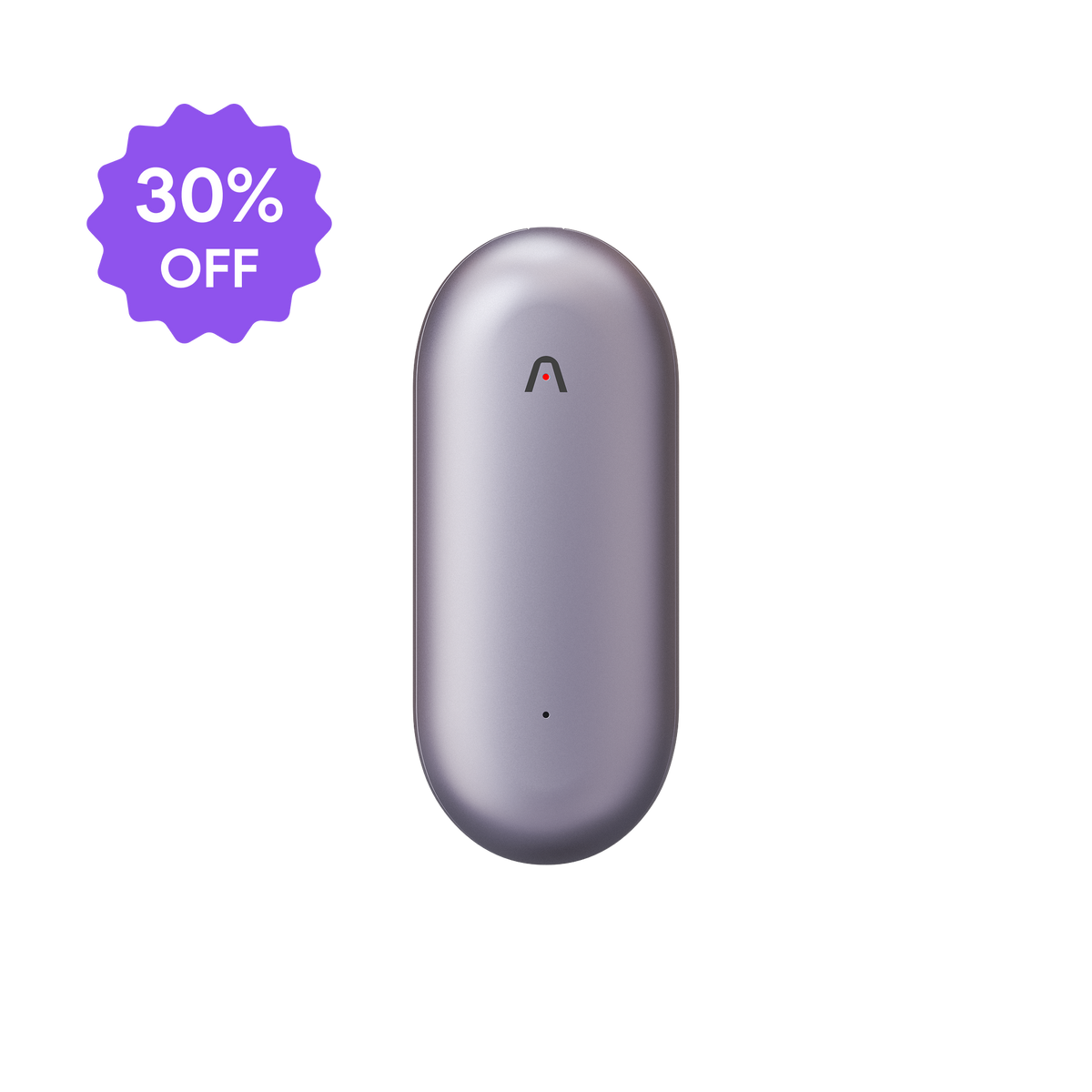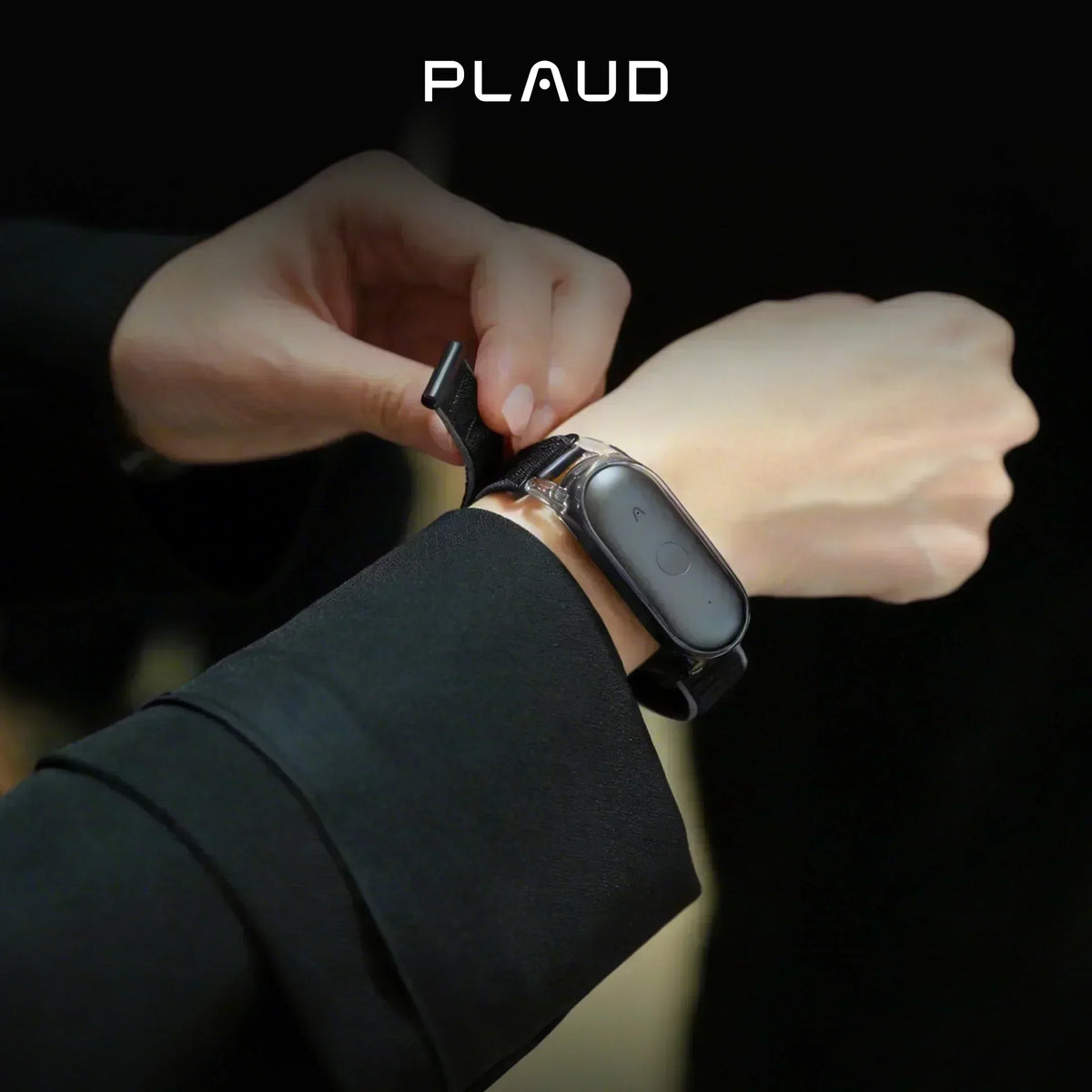

Ready to get more out of your new Plaud NotePin S? You’re in the right place.
This walkthrough will show you exactly how to wear your device, capture on-the-go interactions, and utilize AI to turn your everyday conversations into structured, actionable data.
Let’s get into it.
What is the Plaud NotePin S?

The Plaud NotePin S is the world's most wearable AI note-taker. We built it specifically for professionals who spend their days on their feet and need to capture important thoughts without being tied to a desk.
It is designed for doctors, real estate agents, consultants, and creatives who want to stop typing and start talking.
Rather than pulling out the phone, you just let your wearable handle the work. It captures clear audio and transcribes it with incredible accuracy. From there, the advanced AI steps in to build perfectly structured action plans and summaries.
How to get started with Plaud NotePin S
Getting your Plaud NotePin S ready takes almost no time at all. You will be up and running in a matter of minutes.
If you are a visual learner, watch our quick start video:
Still reading?
If you prefer to skim or just want a quick text overview, here is the exact breakdown of what you need to know to get your wearable set up.
What's in the box?

Inside your package, you will find exactly what you need to get started.
- 1 × Plaud NotePin S device.
- 4 × Wearable accessories (magnetic pin, clip, lanyard, and wristband).
- 1 × Charging dock and USB-C cable.
- 1 × Guide kit.
(If you have a pacemaker or other implanted medical devices, please avoid wearing the magnetic accessories near your chest.)
Charge and setup
Place the NotePin S into the included charging dock and plug in the USB-C cable.
While it charges, download the Plaud app. To pair your new device, press and hold the record button on the NotePin S until the white indicator light flashes. This confirms it is ready to connect via Bluetooth 5.2.
Before you head out for your first meeting, make sure to update your firmware immediately. Skipping this step means you might miss out on the latest AI capabilities that make this wearable so effective.
How to use Plaud NotePin S on the go: turning daily interactions into insights with a wearable device
Now that your wearable is fully set up, it is time to put it into action. Here is how you can naturally weave it into your busy daily routine without breaking your stride.
Step 1: Capture professional conversations intentionally
Start recording instantly

Working with your wearable AI note taker is very simple.
Whether you are driving or having a quick hallway discussion, simply press and hold the tactile record button. You will feel a vibration confirming the device is actively listening.
Control your recording distance
To get the cleanest audio, you have to manage the environment. Keep the hardware within 3 meters of the person speaking. If the room is noisy, try to close that gap to 1.5 meters for the best results.
Eliminate fabric friction

The NotePin S comes with four different accessories. You can choose the one that best fits your needs. However, because a swinging lanyard creates the most fabric friction, it produces the highest amount of noise.
Highlight critical moments

You can short-press the record button during critical moments to drop a highlight. This marks the exact timestamp. It explicitly tells the AI to focus on what matters most when generating your final summary.
- Budget numbers.
- Patient symptoms.
- Hard deadlines.
Capture online meetings and external audio
There are other ways to capture audio. Plaud Desktop to capture system audio directly from your computer, or simply upload existing audio files into the platform.
Watch this video to learn more about Plaud Desktop.
Step 2: Sync and organize your notes
The next step is turning your recordings into usable notes.
Once you are back at your desk, open the Plaud app or Plaud Web. Your audio files will seamlessly transfer from the device to your phone. Since the NotePin S features 64GB of offline storage, you can record all day and sync everything once you have a stable connection.
If you are speaking in a group setting, the AI uses automatic speaker labels to cleanly document who said what. It makes reviewing complex discussions simple.

You can also inject visual context into your transcripts.
If a client sketches a floor plan or you write on a whiteboard, just snap a photo in the app. Plaud's multimodal AI analyzes your image and weaves those visual details directly into your final text summary.
Step 3: Put insights into action across your workflow
The final step is turning your recordings into follow-up actions. Plaud NotePin S helps you act on the information you capture rather than just hoarding audio files.
Summary and template

You can move far beyond a generic transcript by leveraging multidimensional summaries.
Apply different professional templates to the exact same audio file. You can instantly generate a detailed clinical chart for your records and a structured action list for your nursing staff at the exact same time. The original text is never overwritten.
If you need a very specific format for your industry, build a Custom Template. You write the instructions once, save it, and apply it to any future meeting to get exactly the structure you need.
Ask Plaud

When you need to retrieve a highly specific detail or extract a niche insight, engage with Ask Plaud.
You can query a single file or use the global search to uncover patterns across your entire recording history. The AI provides reference-based answers complete with clickable timestamps that jump right back to the original audio.
If you find yourself pasting the identical long prompt into the chat interface every week, you can save that query as a Skill within Ask Plaud.
For example, you can save a prompt that asks the AI to pull only your personal action items from a weekly sync. The next time you record that meeting, you just trigger that Skill. You get your customized memo instantly without retyping anything.
AutoFlow

Finally, you can activate AutoFlow to completely automate your post-meeting tasks.
AutoFlow runs entirely in the background. You simply set up your routing preferences in the Plaud app. Whenever you sync or upload a new recording, the system automatically triggers the workflow.
It transcribes the audio, applies your designated template, and pushes the final notes straight to your email or connected apps. Zero manual clicks required.
Who is using our wearable AI note taker?
A wearable AI note-taker works best for people who need to capture information without stopping the conversation.
Healthcare

We design HIPAA-compliant AI note-takers used by healthcare workers all over the world for patient interviews, clinical trial documentation, and medical dictation.
Plaud AI takes care of tedious tasks like transcription and note-taking. This means medical professionals can spend more time actually helping patients.
Education
Imagine you are in a biochemistry class covering the Krebs cycle.
With a wearable note-taker, you can record the entire lecture and review the complex explanations at your own pace later. You get to sit in a lecture, actually listen, and let the device handle the rest. No more scrambling to write everything down.
Real estate

If you are walking a property with a client, the day moves way too fast for manual notes.
Real estate agents use it to capture buyer preferences, pricing details, and follow-up tasks during client meetings. You can organize your notes according to your exact needs using custom templates, ensuring you never miss a detail that could close a deal.
Engineering

Engineers and project managers use the device for site observations and construction project meetings.
You can record verbal updates and quick decisions without ever stopping to type. Because the hardware features 64GB of local storage, you can capture everything hands-free, even when your job site has no internet connection.
Creative Work

If you are spitballing ideas for your next world-dominating project, you need a reliable way to save that information before it disappears.
Creative professionals use the wearable to capture spontaneous conversations and voice notes. When a sudden idea hits, you just press the button. The AI handles the mundane task of turning those raw recordings into something usable.
Privacy and compliance
The answer to the question "Can you record someone without their permission?" is quite complex.
Recording laws vary heavily depending on where you are and what you are recording. But as a general rule, we recommend always getting consent when recording another person, especially in business meetings (even if you are in a one-party consent state).
Before you record, just take a moment to let others know and get their okay.
Beyond basic consent, professional environments often demand strict data security.
If you are using an AI note-taker for patient interviews or confidential legal discussions, your device needs to meet regulatory standards. Plaud Note Pro is independently audited and fully compliant with ISO 27001, ISO 27701, GDPR, SOC 2, and HIPAA.
Your transcripts and notes are encrypted, meaning your data stays safe and work-ready.
If you want to be extra careful during business travel, you don't have to sync your files immediately. The device has 64GB of local storage, so you can keep everything entirely offline until you are ready.
Conclusion
And there you have it!
Now that you've got the basics down, you might be wondering how to squeeze every ounce of productivity out of your new wearable. To see how others are maximizing their daily efficiency, check out our workflow tutorials on our YouTube channel and read deep dives like our guide on automating sales calls to your CRM on our blog (https://www.plaud.ai/blogs/news/automation-sales-call-to-crm).
For those already using the NotePin S, we are building this tool for you. Got a cool workflow you're proud of, or a specific feature you're dying to see next? Come say hi and drop your ideas in our community board: https://feedback.plaud.ai/b/nvk7pg0r/feature-ideas.