
Most people use Plaud for meetings. Long battery, clean audio, you hit record and focus on the conversation in front of you.
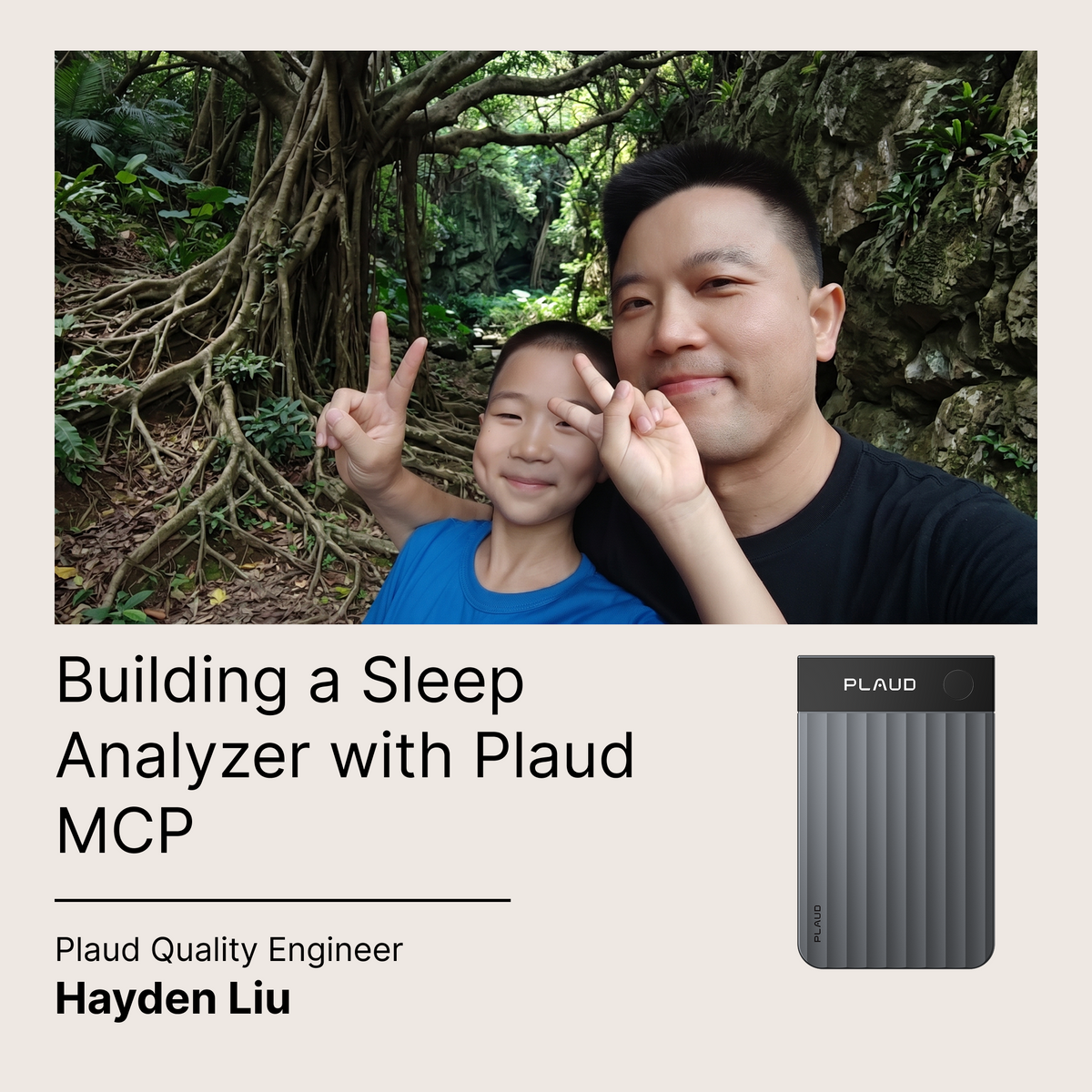
But Hayden is no most people. He works on the quality management team at Plaud, and in classic quality engineering fashion, he is here to push the product to its limits.
Here’s what Hayden was wondering over the weekend: what can Plaud do with ambient recording? More specifically, overnight? No conversations, no meetings, just 6 to 8 hours of sleep sounds.
The recording turned out to be the easy part. After all, Plaud can capture the tiniest sounds in a quiet room. However, a WAV file of one person sleeping is not inherently useful. You need something to listen to it for you, and with Plaud MCP, Hayden could. He calls it the Sleep Sound Analyzer.
What It Does
Hayden’s analyzer listens for three things: snoring, teeth grinding, and sleep talking. It finds them, timestamps them, and rolls everything up into a single sleep score from 0 to 100, normalized so it can actually compare Monday to Sunday automatically.
The standout feature is multi-night trend, which tells you how your sleep has progressed, and why. If your score dropped, it finds the primary driver. Snoring spike? Grinding got worse? Sleep talking jumped? It tells you immediately.
The first time Hayden ran his own two nights through it, the system flagged a pretty significant drop in sleep score in night 2: a -25pt delta. The analyzer highlighted snoring frequency as the main driver: both nights’ sleep were of similar length, but snoring had nearly doubled.
Like any health monitoring tool, the more recording, the better analyses you get. With long-term tracking, the Analyzer can recognize trends, compare weekend and weeknight sleep, highlight outliers, and even provide recommendations to sleeping habits.
The MCP Part Is Where It Gets Fun
Hayden packaged the analyzer as an MCP server, so instead of writing code or reading JSON, he can connect it to Claude and say:
"Analyze these past few nights of recordings and show my sleep trend."
And Claude calls the tools, pulls the reports, compares the nights, and tells you what changed and what to do about it.
Of course, he can also ask follow-ups like:
- "Was last night worse than the night I had drinks?"
- "What’s the difference between vacation and workdays?"
- "How's my trend looking over the past week?"
The AI analyzes, reasons, and lets him know the answer within seconds.
How the Analysis Works
Under the hood, the pipeline goes:
Preprocess. Audio resampled to 16kHz, noise-reduced, silences stripped, split into 1-second windows. One early gotcha that Hayden discovered: silence removal shifts timestamps. The preprocessor tracks real recording times per frame so events map correctly back to when they actually happened in the original recording.
Classify. The default backend is hybrid, which turned out to be the right call. Google's YAMNet model (pre-trained on AudioSet) is excellent for snoring and speech. It distinguishes real sounds from fan noise and ambient audio much better than hand-tuned rules. That said, AudioSet has no clean class for teeth grinding. So the hybrid splits the job: YAMNet handles snoring and sleep talking, a lightweight rule engine handles teeth-grinding (broadband signal, high zero-crossing rate). On any frame YAMNet marks as unknown, the rule engine gets a shot at detecting grinding.
Merge and score. Nearby same-type events get merged so a 3-minute snoring bout doesn't show up as hundreds of individual half-second events. Per-hour event rates then feed into the 0–100 score. Multi-night trend: delta over 5 points triggers improving or worsening. Under 5 = stable.
The MCP Tools
Five tools total:
@mcp.tool()
def analyze_sleep_audio(
    audio_path: str,
    apply_noise_reduction: bool = True,
    save_report: bool = True,
    backend: str = "hybrid",  # "hybrid" | "yamnet" | "rule"
) -> dict:
    # Single night. Returns events, stats, score, suggestions,
    # and a pre-rendered markdown summary ready to show the user.

@mcp.tool()
def analyze_sleep_batch(audio_paths: list[str], ...) -> dict:
    # Multiple nights. Returns per-night scores + trend verdict
    # with primary driver (improving / worsening / stable).

@mcp.tool()
def analyze_sleep_trend(
    filenames: list[str] | None = None,
    date_from: str = "",
    date_to: str = "",
) -> dict:
    # Trend from already-saved reports — no need to re-process audio.

@mcp.tool()
def list_sleep_reports() -> list:
    ...

@mcp.tool()
def get_sleep_report(filename: str) -> dict:
    ...
Server uses FastMCP over stdio. Starts in under a second — TensorFlow and YAMNet lazy-load on the first actual analysis call, so listing reports doesn't wake up a neural network just to read filenames.
Connecting to Claude
# clone & enter the repo
git clone https://github.com/Hyperianfan/sleep-sound-analyzer.git
cd sleep-sound-analyzer

# create and activate virtual environment
python3 -m venv venv && source venv/bin/activate

# install with yamnet support
pip install ".[yamnet]"
Then in claude_desktop_config.json:
{
  "mcpServers": {
    "sleep-sound-analyzer": {
      "command": "/abs/path/to/venv/bin/python",
      "args": ["/abs/path/to/sleep-sound-analyzer/mcp_server.py"]
    }
  }
}
Restart Claude Desktop. When analyze_sleep_audio appears in the tool list, you're good. From there just tell Claude where the file is.
One thing to know: Claude Desktop can't push files to a local server, so the audio has to already be on the same machine. Plaud recordings sync to your computer anyway, so in practice it's just a file path.
There's also a Flask web UI on port 5050 (./run.sh) if you'd rather browse reports visually. The MCP server and the web app share the same output/reports folder, so reports from either show up in both.
The bigger takeaway
Note Pro was designed for meetings. But the qualities that make it great for a meeting also turn out to be exactly what you want for overnight recording. Hayden didn't change the hardware. He just asked a different question.
That's kind of the whole point of MCP. You already have devices capturing data and an AI capable of reasoning with that data. The protocol is what finally lets them talk to each other. And once they do, you get something insightful, consistent, and cool enough you can brag to your colleagues about.
If you have a Plaud and you've ever wondered what else you can do, try out Plaud MCP today.
To try Hayden's analyzer:
Repo: github.com/Hyperianfan/sleep-sound-analyzer — MIT license, Python 3.11+, runs on CPU.
Disclaimer: Plaud is not a medical device.
(But we think it's still pretty cool to customize it like one. What will you build with Plaud today?)