
Your meeting notes are now finished work
Plaud has always evolved with how you work. Summaries got smarter. Organization got more structured. Now the output itself takes the next step. A document that is ready to be shared.
Summaries got better, and you can do more with them

AI Summaries are the first thing you get after every recording. They're smarter and more contextually aware, because Plaud automatically routes every request to the most capable AI model for that task. Speaker labels show you exactly who said what. Choose from a library of summary templates, or build your own to capture different types of conversations the way you need them.
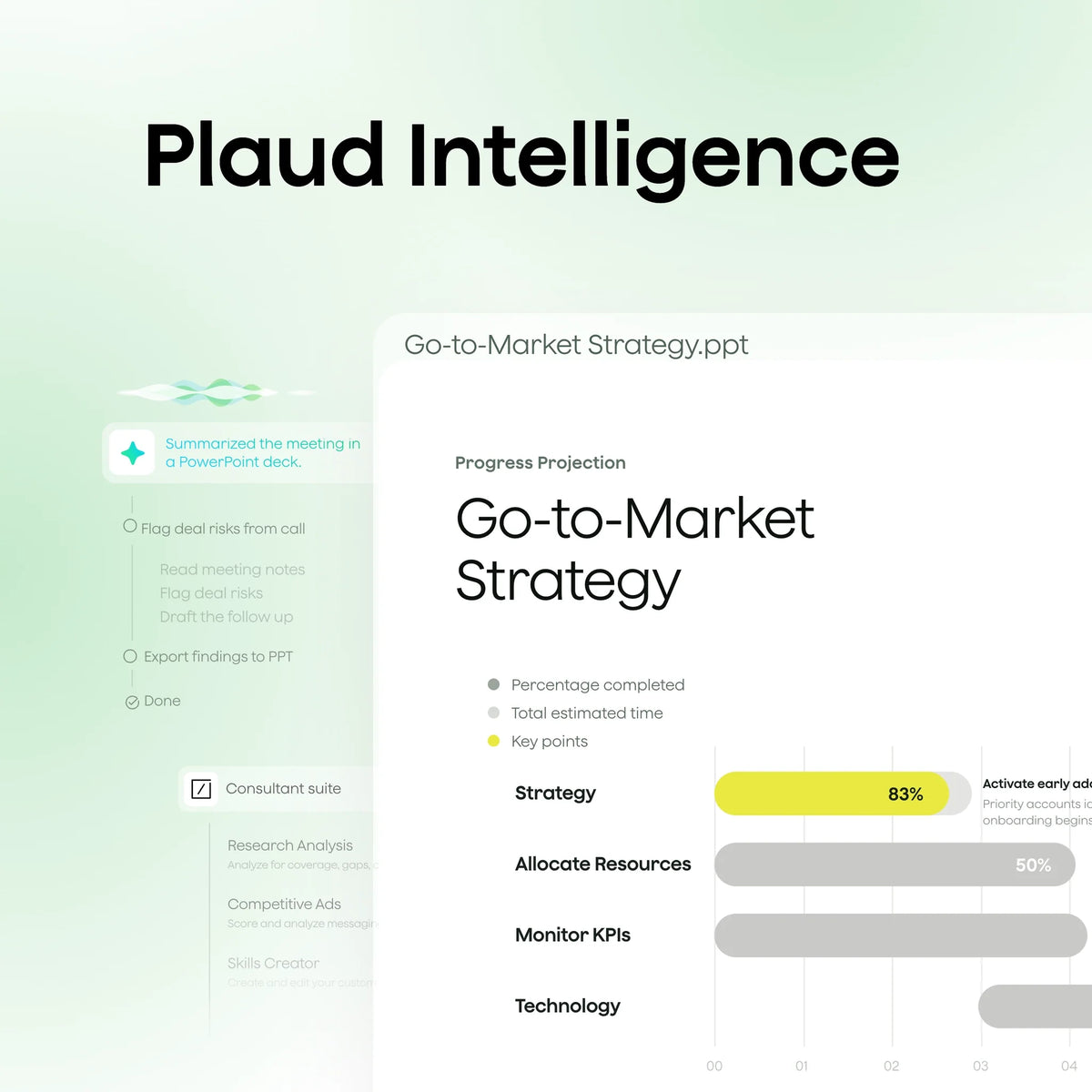
That is just the start. Give Plaud Agent a task, and it draws on your transcripts, summaries, and multimedia inputs to produce a finished report, slide deck, or document ready to send.
Artifacts: finished work, ready to deliver
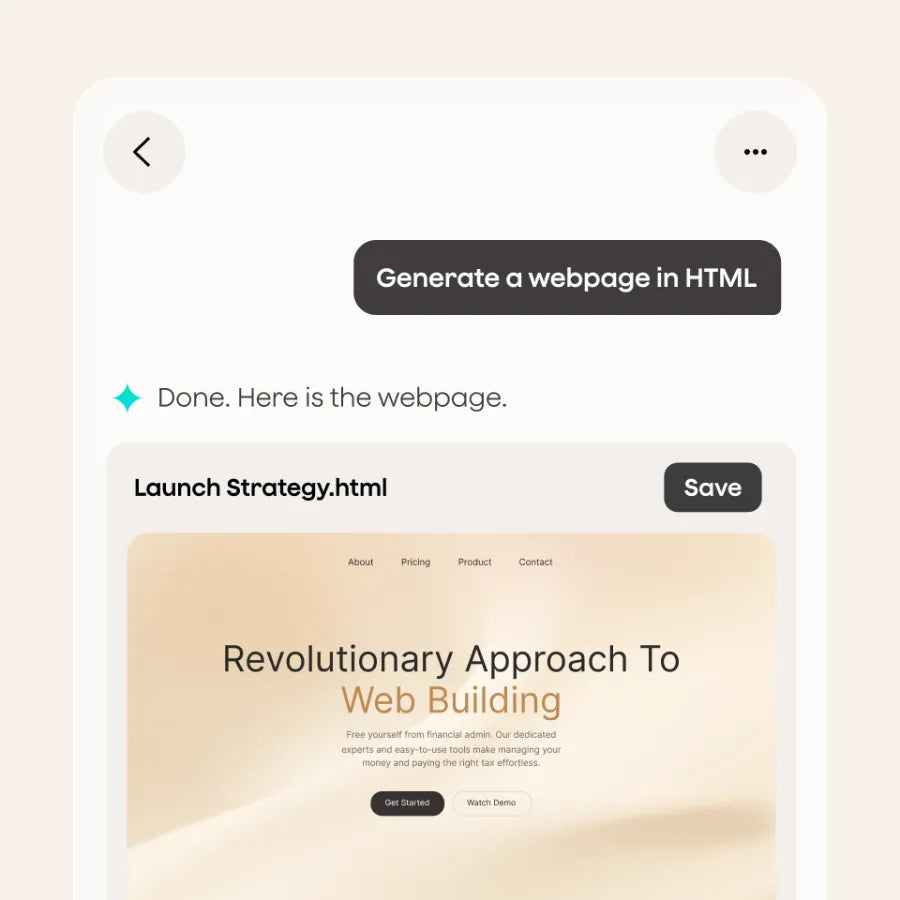
Artifacts are finished documents, ready to send or share, in whatever format your workflow calls for.
After a client call, Agent can produce a client debrief as a DOCX file with your preferred structure, ready to attach to an email. After a strategy session, it can produce a slide deck as a PPTX file with the key decisions, objectives, and next steps already laid out. After a team meeting, it can produce a project brief, a memo, or a set of action items formatted exactly the way your team expects.
Available formats: PDF, PPTX, DOCX, HTML, Markdown, and more to come.

Every Artifact includes source tracing: each point links back to the exact timestamp in the original recording, so anything going to a client or stakeholder can be verified before it leaves. You can also edit Artifacts to add your own context or annotations directly inside Plaud without switching to another app.
Connectors: deliver it where you work

A finished document is only useful if it gets to the right place. Connectors handle the last step.
Plaud Agent can post a summary to a Slack channel, create a page in Notion, log an action item against a Linear ticket, or push finished work through Zapier to the tools your team already uses. Before any send or post, Plaud Agent asks you to confirm. You stay in control of what goes where.
Available at launch: Slack, Notion, Google Calendar, Linear, and Zapier, with more connectors on the way.
What this means for you
Sales Ops: Every deal call ends with a PDF deal recap covering key decisions, action items, and next steps, posted directly to your team's Slack channel. Source-verified and ready before the next pipeline review.
Consultants: Client-ready deliverables come out of every engagement. A strategy session becomes a PPTX with decisions and next steps already laid out, posted straight to Notion or pushed to your client channel in Slack without an extra step.
Executive Assistants: Meeting recaps and briefing docs are generated and pushed to Notion for your review. You approve, and they're done.
Plaud Team makes Artifacts and Connectors available across your entire organization, so every person on your team delivers finished work from every conversation.
Frequently asked questions
What is the difference between a summary and an Artifact?
A summary is the structured text Plaud generates after every recording. An Artifact is a finished, shareable document that Plaud Agent produces on your instruction: a PDF, a slide deck, a DOCX brief. Artifacts are intentional outputs you request from Plaud Agent, grounded in the transcripts and context from your recordings.
Does regenerating a summary or changing a template use Credits?
Plaud Credits apply when Plaud Agent produces something new on your behalf. Using the Regenerate feature does not use Credits. Switching templates goes through Plaud Agent but does not use Credits, as it is a configuration change rather than a generative task. Asking Plaud Agent to rewrite a summary, create an Artifact, or send finished work to a connected tool does.
Does Plaud Agent confirm before posting or sending anything?
Yes. Before Plaud Agent posts to Slack, creates a page in Notion, or sends anything to a connected tool, it asks you to confirm. You stay in control of what goes where and when.

- Versatile options: Wear it as a lanyard, wristband, clip, or pin.
- Lightweight: 0.61 oz, 20 hours recording, 64GB storage.

- Smart dual-mode: Auto detects calls and in-person conversations.
- Pro performance: 0.12 in thin, 5 m pickup, 30 hours recording,

- Dual-mode recording: Capture calls and in-person conversations.
- Ultra-thin: 0.12 in, 30 hours recording, 64GB storage.

- Versatile options: Wear it as a lanyard, wristband, clip, or pin.
- Lightweight: 0.61 oz, 20 hours recording, 64GB storage.