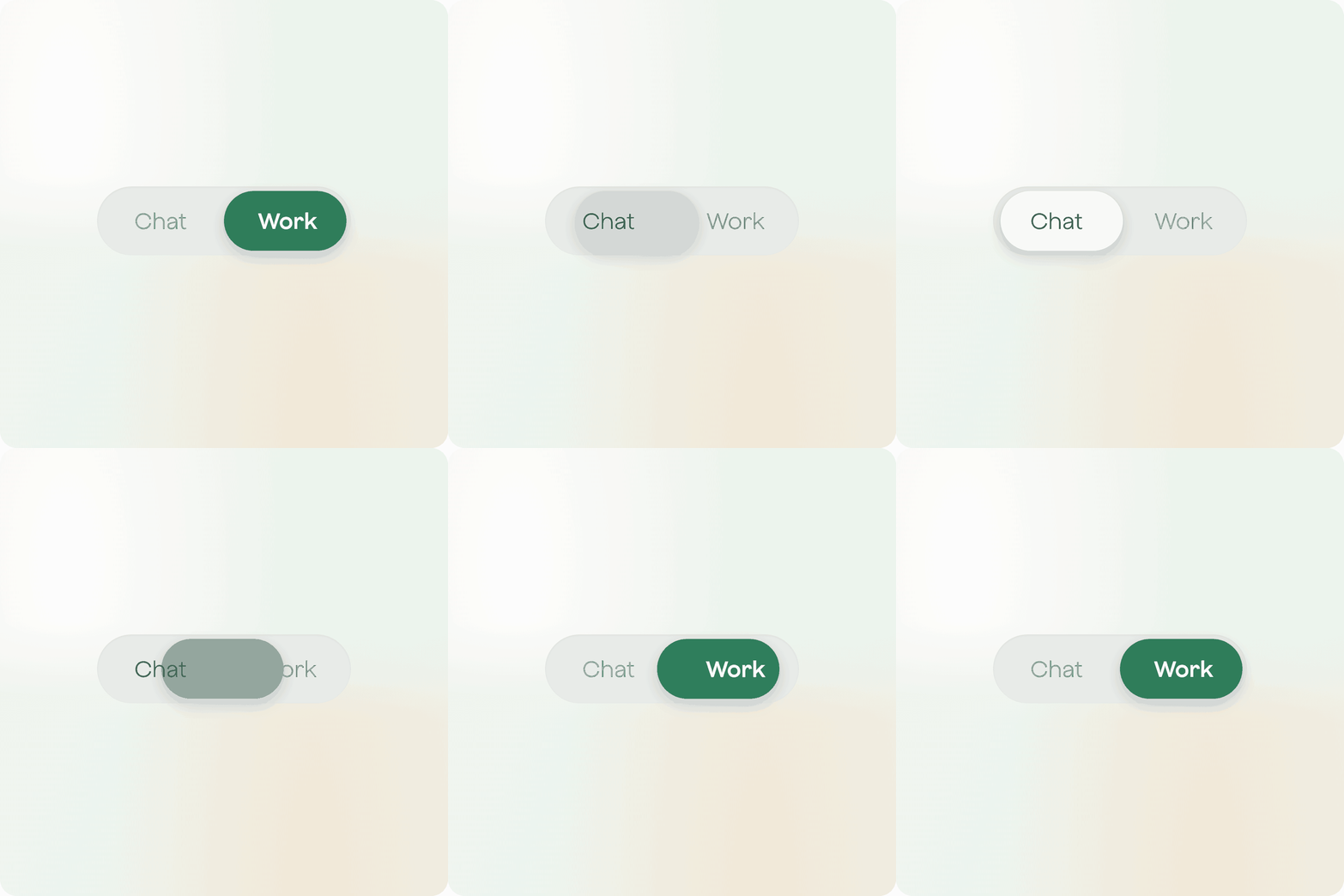

Ask Plaud gets Chat and Work: two ways to get help from your recordings and knowledge base. Chat is for questions. Work is for getting things done.
Use Chat when you want an answer. Ask what was decided in last Tuesday's meeting, who owns an action item, or what your team discussed last month. You ask, Chat answers. You stay in the conversation the whole time.
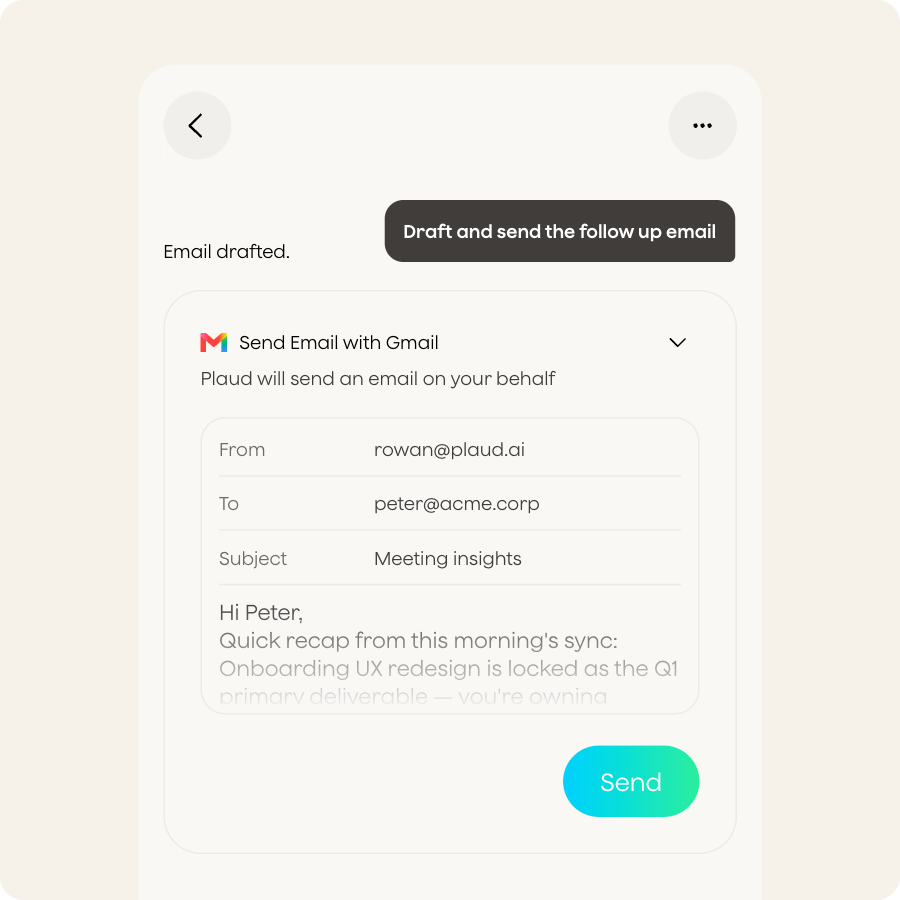
Use Work when you want something done. Describe what you need: a follow-up email drafted, a summary posted to Slack, a brief ready before Monday. Plaud Agent takes it from there and hands you back the result.
| Chat | Work | |
|---|---|---|
| Your goal | Get an answer | Get something done |
| The task | A question about your recordings | Multi-step: write, schedule, send, generate |
| Your role | In the conversation throughout | Describe it once, review what comes back |
| The output | An answer to read or act on | A finished file or a completed action |
| Cost | Free | Uses Plaud Credits |
What Chat does
Chat draws on your recordings, knowledge base, and memory to answer you directly. Reference a recording or an image, ask your question, and it gives you accurate replies. Connect Google Calendar and Chat can check your schedule too. It does not write files, trigger automations, or send anything on your behalf.
What Work adds
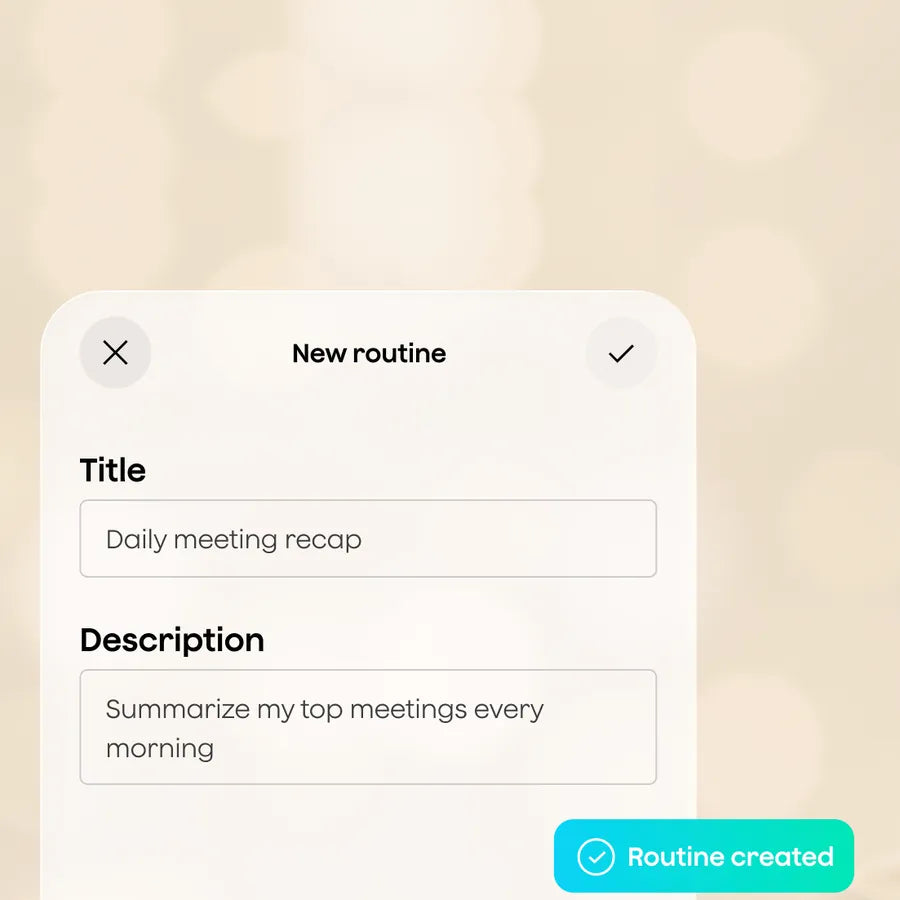
Work lets Plaud Agent act, not just respond. Your Skills define how tasks should run. Routines handle recurring work on a schedule. Artifacts turn conversations into real documents: PDFs, slide decks, Word files, ready to share. Connectors send the output straight to Slack, Notion, Linear, and more.
How it works in practice
Every new Ask Plaud conversation starts with a choice: Chat or Work. Pick one before your first message, and it stays for that conversation. If Chat cannot handle what you asked, it tells you and points you to Work.
Chat is the default. After your first conversation, Ask Plaud remembers which one you used last on Plaud mobile app, web, and desktop.

- Smart dual-mode: Auto detects calls and in-person conversations.
- Pro performance: 0.12 in thin, 5 m pickup, 30 hours recording,

- Versatile options: Wear it as a lanyard, wristband, clip, or pin.
- Lightweight: 0.61 oz, 20 hours recording, 64GB storage.

- Dual-mode recording: Capture calls and in-person conversations.
- Ultra-thin: 0.12 in, 30 hours recording, 64GB storage.

- Versatile options: Wear it as a lanyard, wristband, clip, or pin.
- Lightweight: 0.61 oz, 20 hours recording, 64GB storage.