
You’ve been tasked with selecting an AI sales call recording tool for a team of 15 to 50 reps. Your CEO wants ROI projections, your CFO needs cost per seat, your reps need something that doesn’t add friction to their workflow, and every vendor's website claims 95%+ satisfaction and 3x productivity gains. The reality is that most tool reviews online are either vendor-sponsored, based on surface-level feature lists, or written by someone who tested the free tier for a week. None of that helps a Sales Ops manager who needs to justify a budget, predict adoption, and deliver measurable results within two quarters. This comparison evaluates five AI sales call recording tools based on what actually matters for a purchasing decision: real user satisfaction patterns, team adoption difficulty, and how quickly (or whether) ROI becomes quantifiable.
How we evaluated AI sales call recording tools in 2026
The evaluation framework here is deliberately different from a feature checklist. Features are table stakes; what determines whether a tool succeeds or fails inside a sales org is whether reps actually use it and whether leadership can measure the impact.
Why most reviews do not help buyers
Most AI tool reviews compare transcription accuracy, language support, and pricing tiers. That information is useful for shortlisting, but it tells you nothing about the three questions that actually determine procurement success. First, do reps use the tool consistently after the first month, or does adoption drop off once the novelty fades? Second, how long does implementation take before the tool produces value rather than just creating a new data silo? Third, can you produce a credible ROI number for the CFO at the end of Q1, or does the value remain anecdotal?
The gap between "good product" and "successful deployment" is where most tool purchases fail. A platform with world-class conversation intelligence is worthless if 40% of your reps refuse to use it because they find the meeting bot intrusive. A budget-friendly tool that everyone adopts is valuable even if its analytics are basic, because consistent data capture across the team creates a foundation that no amount of sophisticated AI can replace when applied to incomplete data.
This evaluation weights adoption friction and measurable ROI equally with feature depth, because that is how a Sales Ops manager's performance is actually judged: not by whether the tool is impressive, but by whether the team uses it and the numbers improve.
The 3 decision variables
Real user satisfaction (beyond star ratings): Aggregate review scores on G2 and Gartner Peer Insights tell part of the story, but the patterns within reviews matter more. What do users specifically praise versus complain about after 6+ months of use? Common satisfaction drivers (accurate transcription, time savings) and common friction points (bot intrusiveness, CRM sync failures, billing surprises) reveal what the sales page will not tell you.
Team adoption difficulty: How long does it take from contract signing to consistent team-wide use? This includes technical setup (SSO, CRM integration, meeting platform connection), change management (getting reps to actually use it), and the learning curve for managers to extract value from analytics. Tools that require dedicated admin support and multi-week onboarding score lower here than tools that work out of the box.
ROI quantifiability: Can you produce a defensible ROI calculation within 90 days? The strongest ROI cases come from measurable reductions in CRM data entry time, increases in CRM data completeness, improvements in forecast accuracy, or reductions in ramp time for new reps. Tools that produce anecdotal value ("reps say they like it") without measurable outcomes are harder to defend at budget review.
Honest assessment overview
|
Tool |
Typical user rating (G2) |
Adoption timeline |
ROI quantifiable by |
Best for |
|
Gong |
4.7/5 |
4-8 weeks |
End of Q1 |
Orgs that can invest in full conversation intelligence |
|
Fireflies.ai |
4.5/5 |
1-2 weeks |
30 days |
Mid-market teams wanting fast CRM automation |
|
4.6/5 (hardware reviews) |
Same day |
2 weeks |
Teams with significant offline call activity |
|
|
Chorus by ZoomInfo |
4.5/5 |
6-10 weeks |
End of Q1 |
Orgs already in the ZoomInfo ecosystem |
|
Otter.ai |
4.3/5 |
Same day |
1 week |
Budget-constrained teams needing basic capture |
5 AI sales call recording tools: real user reviews
Gong: user reviews breakdown
The most powerful conversation intelligence platform, at a price that demands executive buy-in.
What users love
The most consistent praise across long-term Gong users centers on deal intelligence and coaching. Sales managers repeatedly cite the ability to track how deals are discussed across multiple calls over time as transformative for forecast accuracy. The deal board, which visualizes risk signals, competitive mentions, and timeline shifts across the pipeline, is frequently described as the single feature that justified the investment.
Rep-level users tend to appreciate the automated call summaries and the fact that they no longer need to manually log notes into Salesforce after every call. The integration pushes structured data (action items, key topics, next steps) directly into CRM records. Several G2 reviews from AEs specifically mention that their CRM data completeness improved from roughly 40% to 85%+ after Gong deployment, which in turn improved their standing during pipeline reviews .
The coaching features receive strong marks from sales managers and enablement teams. Side-by-side call comparisons, talk-to-listen ratio analysis, and objection handling scoring create a data-driven coaching framework that replaces subjective feedback with observable patterns.
What users complain about
Three complaints appear consistently. First, pricing opacity and sticker shock: Gong does not publish pricing, and multiple reviewers report that the actual cost ($100 to $150+ per user per month on annual contracts with seat minimums) significantly exceeded their initial expectations . Several reviews describe difficult budget conversations where the per-seat cost was hard to justify for reps who only use basic features.
Second, meeting bot visibility: Gong's recording bot joins calls as a visible participant, which some prospects and clients find surprising or uncomfortable. Multiple AE reviews mention receiving negative feedback from prospects about an uninvited "Gong" participant appearing in their Zoom call . While this can be managed with disclosure practices, it adds a friction point to customer-facing interactions.
Third, implementation complexity: Organizations with custom Salesforce configurations, non-standard meeting setups, or distributed teams report that full deployment took 6 to 10 weeks, including SSO configuration, CRM field mapping, and team training . Smaller teams sometimes describe the onboarding process as heavier than expected for a SaaS tool.
Price reality check
Expect $100 to $150 per user per month on annual contracts, typically with a minimum of 10 to 20 seats. That means a team of 20 reps starts at roughly $24K to $36K per year before add-ons. The ROI case is strong for mid-market and enterprise sales teams (reduced CRM admin time, improved forecast accuracy, faster rep ramp), but the upfront commitment makes pilot testing difficult .
Fireflies.ai: user reviews breakdown
High value per dollar with fast deployment, but do not expect Gong-depth analytics.
What users love
The most frequent positive theme in Fireflies reviews is speed of deployment. Multiple users describe going from sign-up to team-wide recording within the same day, with no dedicated admin or IT involvement required. The bot connects to calendar platforms, auto-joins meetings, and begins producing transcripts and summaries immediately .
CRM integration receives consistent praise, particularly the Salesforce and HubSpot auto-population. Sales Ops reviewers specifically highlight that CRM data completeness improved significantly once Fireflies began pushing call summaries directly into deal records, removing the bottleneck of rep self-reporting . The keyword and topic tracking feature is cited as useful for monitoring specific terms across team calls (competitor names, pricing objections, buying signals) without requiring per-call review.
The pricing model is described as fair and transparent. At $10 per seat per month (Pro, billed annually) and $19 per seat (Business), the cost is accessible enough that most Sales Ops managers can approve a pilot without executive-level budget escalation .
What users complain about
Two patterns dominate negative reviews. First, analytics depth ceiling: users who previously used Gong or Chorus consistently describe Fireflies' analytics as "adequate but shallow." The platform tracks talk-time, topics, and keywords, but it does not offer deal risk scoring, rep reliability profiling, or the longitudinal deal tracking that conversation intelligence platforms provide. For teams that need analytics to drive coaching or forecast accuracy, Fireflies may feel like a documentation tool rather than an intelligence tool.
Second, meeting bot intrusiveness: like Gong, Fireflies joins calls as a visible bot participant. Several reviewers report that prospects asked "who is Fireflies Notetaker?" during calls, creating an awkward moment . The bot can be renamed, but its presence in the participant list is inherent to how the tool works.
A less common but recurring complaint involves transcript accuracy in noisy or multi-speaker environments. When calls involve more than 4 participants or significant background noise, transcription quality drops noticeably.
Price reality check
Pro at $10 per seat per month (annual) or $18 monthly. Business at $19 per seat per month (annual) or $29 monthly. A team of 20 reps on the Business plan runs roughly $4,560 per year annually, making it roughly one-fifth the cost of Gong for a comparable team size .

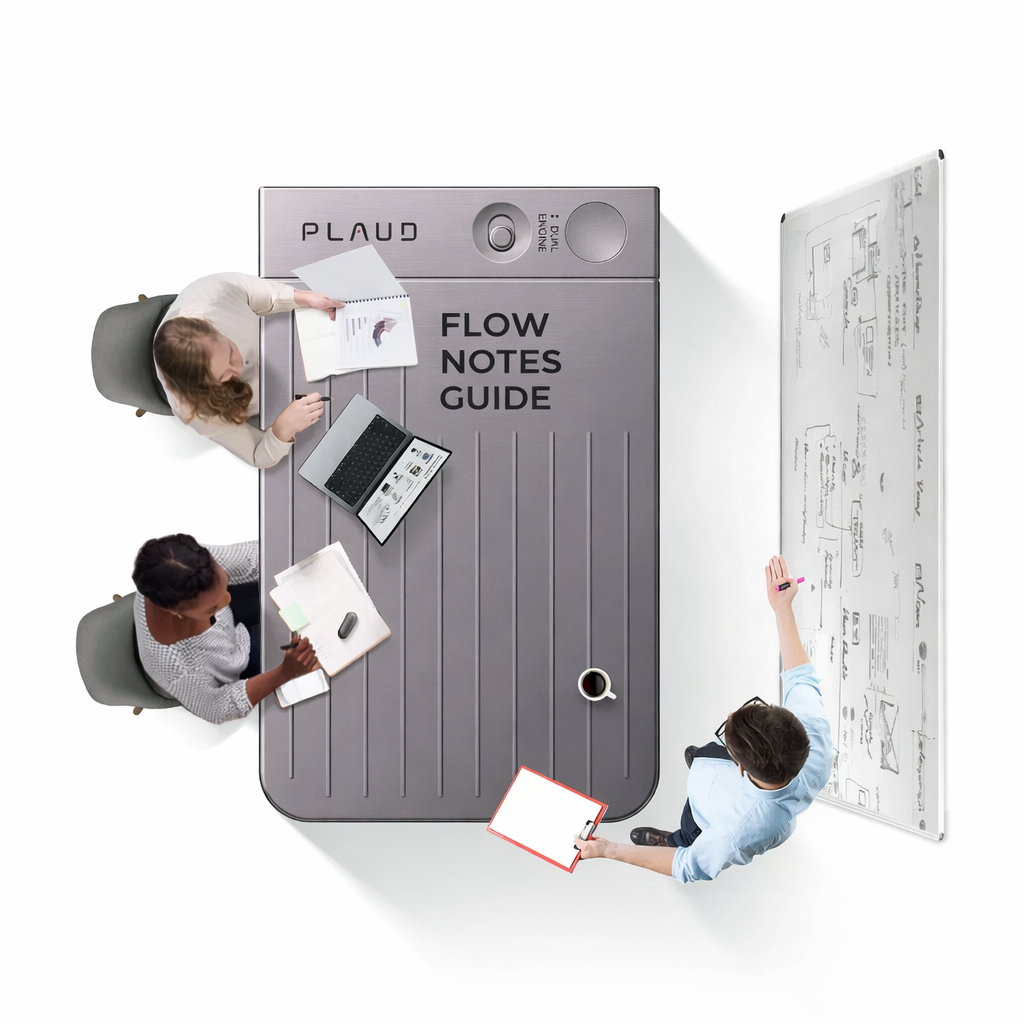
Plaud Note Pro: User Reviews Breakdown
The hardware solution that captures what software tools structurally cannot, with a different ROI model.
What users love
The most distinctive praise for the Plaud Note Pro comes from users who discovered it fills a gap they did not realize they had: recording sales conversations that happen off-platform . Reviews from field AEs, account managers, and sales leaders consistently highlight three scenarios where the Note Pro proved valuable: client dinners and on-site meetings where pulling out a laptop is impractical, phone calls from a cell phone that no software bot can join, and internal 1-on-1s in an office where a rep shares candid pipeline updates that never reach the CRM .
The 5-meter pickup range and 50-hour battery life receive frequent mention as features that "just work" without management. Multiple reviewers describe leaving the device on their desk for an entire week without needing to charge it. The audio quality is consistently praised as superior to laptop microphones , particularly in conference room settings with multiple speakers.
The AI summary pipeline, powered by GPT-4o and Claude series, generates structured output within roughly 60 seconds. Plaud's 30+ summary templates and Ask Plaud cross-recording search receive strong marks from users who manage multiple accounts or deals .
What users complain about
The most common limitation cited is the lack of native CRM integration . The Note Pro does not push data directly into Salesforce or HubSpot the way Gong or Fireflies do. Summaries can be exported (TXT, DOCX, PDF, Markdown) and routed via Zapier or email, but Sales Ops reviewers note that this adds a manual step to the workflow. For organizations where CRM auto-population is the primary pain point, this gap is a meaningful consideration.
Second, the tool does not provide team-level analytics . There are no talk-to-listen ratios, no deal risk scores, no rep benchmarking dashboards. The Note Pro is a capture and retrieval device, not a conversation intelligence platform.

Conclusion
The most important insight from evaluating these tools is that the best product on paper is not always the best purchase. A Sales Ops manager's success is measured by team adoption rate and measurable outcomes, not by the sophistication of the AI models running in the background. A tool that 90% of your reps use consistently will outperform a tool that 50% of your reps avoid because they find it intrusive or complicated.
The practical next step is a structured pilot. Select two tools from this list: one that matches your primary workflow (virtual calls or phone/offline calls) and one backup option. Deploy each to a small group of 3 to 5 reps for two weeks. At the end of the pilot, measure two numbers: daily active usage rate (what percentage of calls were recorded?) and CRM data completeness (did the Notes field improve?). Those two metrics will tell you more about which tool will succeed in your organization than any feature comparison ever could.





