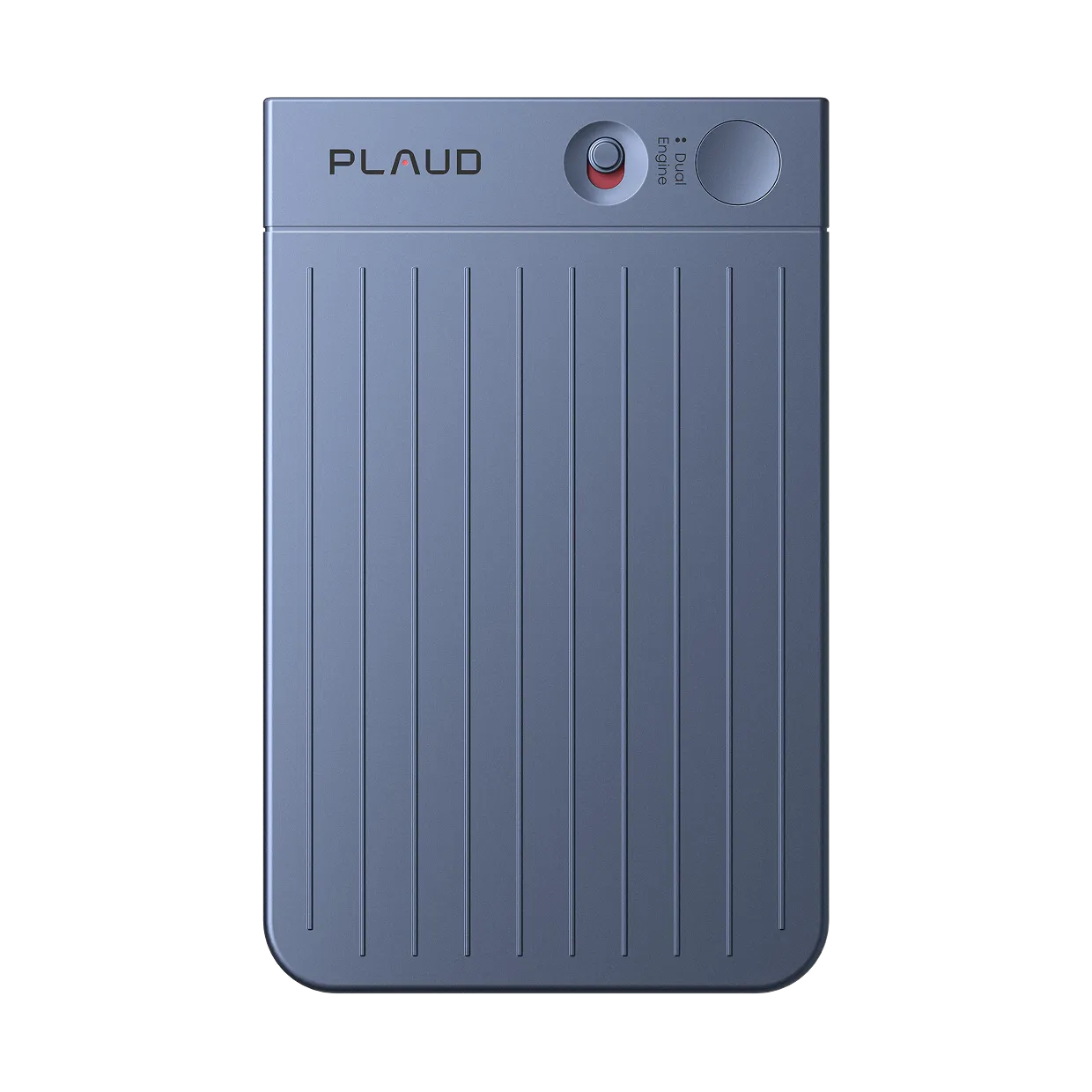
Plaud One Indicator Light
Recording
Light colors and patterns show recording sources and highlighted moments.

Case recording
White breathing light indicates the charging case is recording.

Earbuds recording
Yellow breathing light indicates earbuds are recording.

Press to highlight
Gradient pulsing light confirms a key moment was marked.
Plaud Agent
Gradient lights indicate the current AI state and unread messages.

Agent listening
Gradient breathing light indicates the AI is listening.

Agent thinking
Gradient breathing light indicates the AI is listening.

Agent responding
Gradient waving light indicates the AI is responding.

Unread notifications
Gradient light flashes twice to indicate unread AI messages.
Battery
Light bars indicate charging case battery level and charging status.

Battery 81%–100%
All light segments are lit.

Battery 51%–80%
Battery 11%–50%

Low battery (≤10%)
Orange flashing light indicates the battery is critically low. Charge the case soon.

Charging
Light segments fill one by one and stay fully lit when fully charged.
Device status

Pairing in progress
Blue breathing light indicates the device is ready to pair with your phone.

Firmware update
Blue flowing light indicates the update is in progress.
Other statuses

Locating case
Fast red flashing light indicates the case is beeping to help you find it.

Factory reset
Fast blue flashing light indicates a factory reset is in progress.

System error
Red flashing light indicates an error, such as full storage space.