
Conversation intelligence is software that turns recorded conversations, mostly sales calls and customer meetings, into transcripts, summaries, and data you can act on. Instead of a rep relying on memory or a rushed CRM note, the system captures what was said, flags the moments that matter, and surfaces patterns across dozens or hundreds of calls at once. Sales and customer success teams use it most, but the same idea applies anywhere a conversation carries information that would otherwise disappear once the call ends.
How conversation intelligence works
Every conversation intelligence platform follows the same basic pipeline, even when the interface looks different.
Capture. The tool joins or connects to the conversation: a Zoom or Teams meeting, a phone call, or a dialer integration. Some platforms join as a visible bot in the meeting window.
Transcription. Speech-to-text models convert the audio into a searchable transcript, usually with speaker labels attached.
Analysis. Natural language processing and machine learning scan the transcript for topics, questions, objections, sentiment, and talk-to-listen ratio. This is the layer that separates conversation intelligence from a plain transcription tool.
Insight. The platform packages the analysis into something usable: a call summary, action items, a coaching score, or a flag for deal risk.
Integration. Most platforms push the structured output into a CRM record, so the call becomes part of the deal history rather than a file that sits unwatched.
A growing share of platforms run this analysis in real time, surfacing a prompt or objection-handling tip while the rep is still on the call, rather than only after it ends.
Conversation intelligence vs. conversational AI
The two terms get mixed up often enough that it is worth a direct comparison. IBM defines conversational AI as the system a person talks to: a chatbot or virtual assistant that responds in real time, answers FAQs, and handles routine requests. Conversation intelligence does not talk to anyone. It listens to a conversation that already happened, or is happening, between two humans, and turns it into structured data.
Put simply, conversational AI is the voice on the other end. Conversation intelligence is the analysis running quietly behind a human conversation. A sales team might use both without realizing they are different tools: a chatbot qualifies a lead on the website, then conversation intelligence analyzes the follow-up sales call once a rep picks it up.
What conversation intelligence looks at
The analysis layer is where the value sits, and it usually covers a similar set of signals regardless of vendor.
- Speech-to-text transcripts, so every call becomes a searchable record instead of an audio file nobody reopens.
- Keywords and phrases, such as a competitor name or a specific product feature coming up across multiple calls.
- Sentiment, a read on whether the tone of a section of the conversation was positive, negative, or neutral.
- Talk time and engagement, including how long each speaker talked and where the conversation lost momentum.
- Action items, the specific commitments or next steps either side made during the call.
- Customer intent, language that signals whether someone is close to a decision or still exploring options.
None of these signals means much in isolation. The value shows up when a manager can see the same pattern across twenty calls instead of guessing from one.
What sales and support teams gain from conversation intelligence
The appeal is straightforward. A sales manager cannot sit in on every call a team runs in a week, and even if they could, memory is a poor record-keeping system. Conversation intelligence gives a few concrete things in return:
- Image URL: https://cdn.shopify.com/s/files/1/0918/0171/5051/files/img1_videocall.webp?v=1784175629
- Alt text: Sales rep on a video call taking notes during a customer conversation
- Coaching that is based on real calls, not a manager's recollection of one call from three weeks ago.
- Faster onboarding, since new reps can review recordings of calls that closed instead of a generic script.
- Pipeline visibility, because a rep's verbal commitment on a call ("we can close by end of quarter") becomes a timestamped, searchable record instead of something that lives only in someone's head.
- Pattern detection across calls, such as noticing that prospects consistently ask about pricing in the first five minutes, which points to a gap earlier in the pitch.
A concrete example: a rep says on a forecast call that a deal will close by March 15 at $240K. Four weeks later the deal has slipped and the number has changed. Without a recorded, timestamped record of the original commitment, the manager has only two conflicting memories to work from. With conversation intelligence, that commitment is searchable and dated, which turns a forecast argument into a five-minute lookup.
Sales gets most of the attention, but the same pipeline applies wherever a spoken conversation carries decisions worth keeping. Contact centers use it to spot where callers get frustrated during a billing process. Customer success teams use it to catch early signs that a renewal is at risk. Healthcare providers use a version of it to flag when a patient sounds confused about a treatment plan, so the practice can follow up with clearer instructions.
Salesforce's most recent State of Sales survey found that reps still spend a majority of the week on work other than direct selling, from CRM updates to internal meetings. Conversation intelligence does not remove that work by itself, but it does shrink the specific slice of it that comes from writing up notes after every call.
Where conversation intelligence falls short today
Nearly every conversation intelligence platform on the market, including the tools that dominate search results for this topic, shares one structural limit: they only see what happens on a screen. A meeting bot can join Zoom or Teams. A dialer integration can capture a VoIP call. Neither one can sit in the room for a client dinner, an office walkthrough, or a phone call placed from a personal cell phone, which most bots cannot join at all.
That gap is not small. A field sales rep's week includes plenty of conversations that never touch a calendar invite: a hallway update from a colleague, a budget number mentioned over lunch, a phone call taken in the car on the way to a meeting. None of that reaches a software-only conversation intelligence platform, which means none of it gets analyzed, coached on, or logged against the deal.
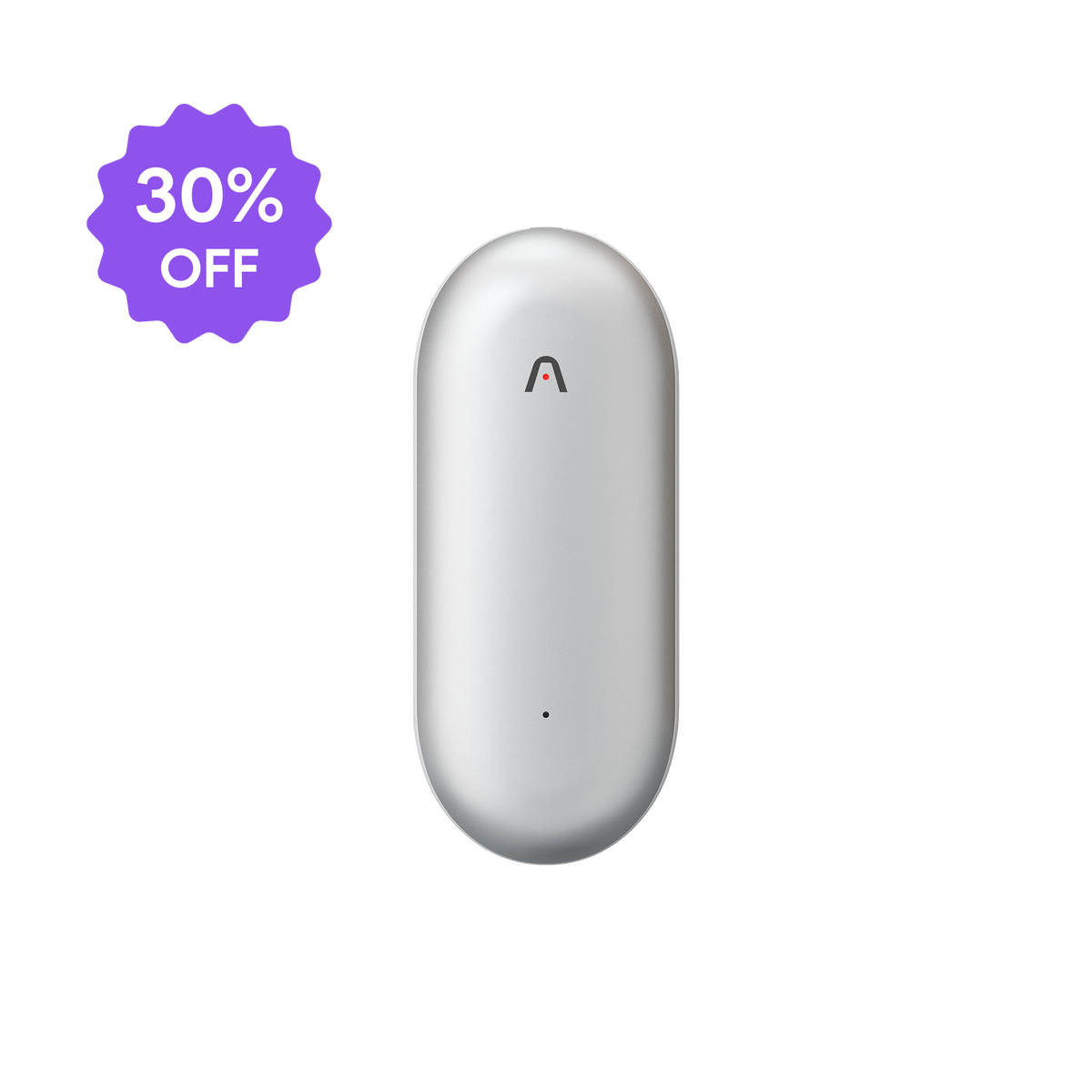
 A physical AI note taker closes that gap by recording the room itself rather than a screen. Plaud Note Pro uses four MEMS microphones with AI beamforming to pick up clear audio from up to 5 meters (16.4 feet) away, and its smart dual-mode recording detects on its own whether it is on a phone call or in a face-to-face conversation. The same device that captures an in-person meeting also handles a phone call, and Plaud Desktop covers online meetings without a bot joining the call. Teams that have set this up alongside Plaud's conversation intelligence for sales teams have reported up to 30% faster deal closures and 260+ hours saved a year* on post-meeting writeups, on top of whatever a screen-only platform already covers.
Before you record, take a moment to let others know and get their okay.
What to look for in a conversation intelligence tool
Feature lists tend to look similar across vendors, so the more useful question is which gaps in your team's day the tool closes.
- Coverage. Does it capture only virtual meetings, or also phone calls and in-person conversations? A tool-by-tool platform comparison is useful here, since coverage is the single biggest differentiator between platforms.
- CRM integration. Some platforms push structured data straight into Salesforce or HubSpot. Others export a transcript and leave the CRM entry to you, which adds a manual step but keeps the workflow simple.
- Analytics depth. Team-wide dashboards, deal risk scoring, and rep benchmarking matter for a sales-ops leader running a team of 20 or more. A solo rep or a small team may get more value from a lighter tool that just gets used every day.
- Onboarding speed. Some platforms are recording within the same day of signup. Others need weeks of CRM field mapping and single sign-on setup before a team can use them consistently. A tool that sits half-configured for a month rarely earns its cost back.
- How visible the tool is to the other side of the call. A bot that visibly joins a Zoom meeting can prompt a prospect to ask who it is. A hardware device sitting on a table or a desktop app that captures system audio does not add a new participant to the call.
- Compliance. For regulated industries, check for ISO 27001, ISO 27701, GDPR, SOC 2, HIPAA, and EN 18031 certifications rather than taking a vendor's word for it.
No single tool wins on every dimension. A screen-only platform with deep team analytics and a hardware device that also covers phone calls and in-person meetings solve different halves of the same problem, and many sales teams end up running both side by side rather than picking one.
Start with the conversations you are already missing
Most teams evaluating conversation intelligence start with the calls they can already see: the ones on the calendar, running through Zoom or a dialer. Before adding another platform on top of that layer, it is worth asking how much of a rep's week happens off that screen entirely. A device built to capture phone calls and in-person meetings alongside the virtual ones gives a fuller picture of what was said, not just what happened to be recorded, and that gap is usually where a forecast or a coaching session goes wrong first.